
If you’ve ever tried launching a website, you should already know this. Your hosting provider can either make everything smooth for your website or turn it into a frustrating mess.
I have seen it happen too many times. Slow load times, random downtime, confusing dashboards. All from hosting that looked “very cheap” at first glance but ended up costing more in lost traffic and wasted time.
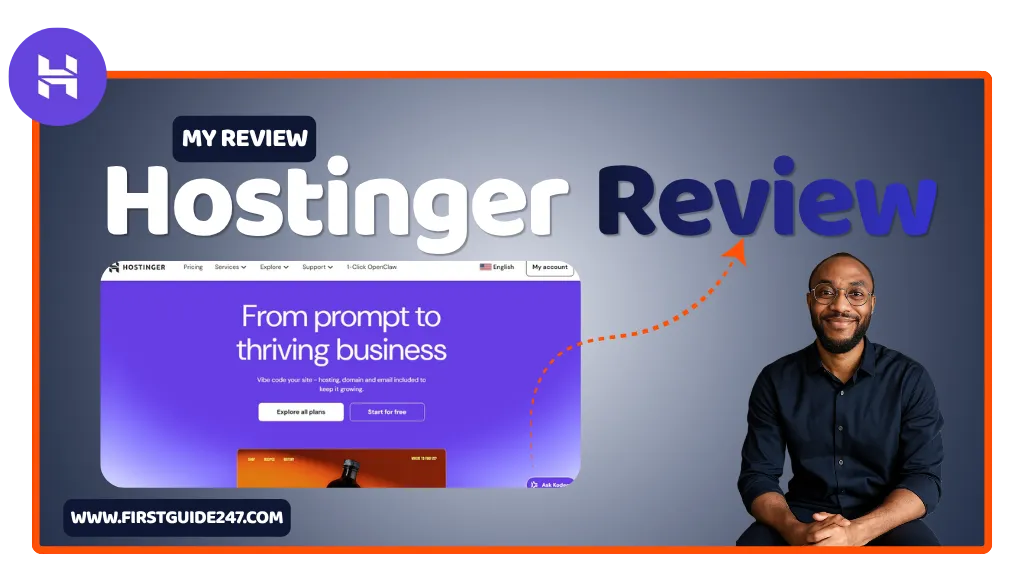
After 10 years of building websites. I have learned to pay close attention to hosting quality. And that’s exactly why I decided to properly test Hostinger.
It’s one of the most affordable hosting providers out there. But the real question is: does it actually deliver where it matters most?
This is not a sponsored review. But as always, I only review tools I’ve personally used and trust.
What Is Hostinger?
Hostinger is a web hosting provider designed to make launching and managing websites. It makes it very simple, without charging premium prices.
Instead of overwhelming you with technical setups. Hostinger focuses on ease of use. You get everything all in one place:
- Web hosting (shared, cloud, VPS)
- Free domain (on some plans)
- Website builder
- Email hosting
- Managed WordPress hosting
What makes it stand out is how much they pack into their lower-tier plans. You’re not paying enterprise prices, but you’re getting performance that can compete with bigger names.
Do you want this tool?
Getting Started: Very Simple Setup, No Headaches
One thing Hostinger gets right is the onboarding process.
After signing up, you’re guided step-by-step:
- Choose your domain
- Pick your platform (WordPress, custom site, or builder)
- Launch your website in minutes
No complicated cPanel setups. Instead, Hostinger uses its own custom dashboard called hPanel. Which is cleaner and easier to navigate, especially if you’re just starting out.
If you’ve ever felt lost setting up hosting before. This alone is a big win for you.
Performance: Faster Than You’d Expect
Speed matters. Not just for SEO, but for user experience.
Hostinger uses:
- LiteSpeed web servers
- Built-in caching
- Optimized infrastructure
In real-world use, I’ve seen websites load in under 2 seconds consistently. Which is very solid, especially at this price point.
They also have multiple data centers worldwide, so you can choose a server closer to your audience.
For beginners and even growing websites, hostinger performance is more than enough.
WordPress Hosting: Where Hostinger Shines
If you’re running WordPress, Hostinger makes life easier.
You get:
- 1-click WordPress installation
- Automatic updates
- Built-in security features
- WordPress acceleration tools
It’s clearly optimized for WordPress users. Which makes sense since most websites today run on it.
You don’t need to be technical to get good results here.
The Website Builder: A Solid Alternative
Not everyone wants to use WordPress, and that’s fine.
Hostinger’s website builder is surprisingly capable:
- Drag-and-drop interface
- Pre-designed templates
- Mobile optimization
- Basic eCommerce features
It’s not as advanced as dedicated builders like Wix or Squarespace, but for simple websites, portfolios, or small business pages, it gets the job done very well.
Pricing: One of the Biggest Advantages
Let me be honest with you. The pricing is where Hostinger grabs most of it’s attention.
Compared to most hosting providers, it’s significantly cheaper. If you compare it with what it offers.
You’ll typically find:
- Shared hosting plans at very low monthly rates
- Discounts for long-term plans
- Free SSL included
- Free domain on higher plans
But there is a catch. Like most hosting companies, the lowest prices require longer commitments to be cheap. Renewal prices are higher, something you need to keep in mind.
Still, even after renewal, it’s competitively priced.
Uptime & Reliability
A cheap host isn’t worth it if your website keeps going offline.
From my experience, Hostinger delivers strong uptime. Very close to the industry standard of 99.9%.
That means your website stays accessible, which is critical whether you’re blogging, running a business, or building an online brand.
Customer Support: Better Than Expected
Support can make or break your experience.
Hostinger offers:
- 24/7 live chat and AI support
- Knowledge base and tutorials
Response times are generally quick according to my multiple tests. The support team is helpful especially for common issues like domain setup, WordPress installation, or email configuration.
Who Is Hostinger For?
Hostinger is ideal for:
- Beginners launching their first website
- Bloggers who want affordable hosting
- Small business owners
- Freelancers managing a few client sites
If you’re running a massive, high-traffic website. You might eventually outgrow shared hosting. But for most people, this is more than enough.
PROS
Very affordable pricing
Fast loading speeds with LiteSpeed servers
Beginner-friendly dashboard (hPanel)
Great WordPress optimization
Free SSL and domain (on selected plans)
CONS
Renewal prices are higher
Advanced features limited on lower plans
No traditional cPanel (may take getting used to)
My Summary: Is Hostinger Worth It?
Hostinger is one of those rare hosting providers that actually delivers on its promise.
It’s not trying to be the most premium option. It’s trying to give you the best value for your money. And honestly, it succeeds.
If you’re starting out or want reliable hosting without overspending. Hostinger is a smart choice.
Related Reviews You Should Read
If you’re comparing tools, these reviews will help you make a better decision:
- SEMrush One Review (SEO & AI visibility tool)
- Canva Review (Design made simple)
- Mailchimp Review (Email marketing platform)
- QuickBooks Review (Accounting software)
- MonsterInsights Review (Google Analytics for WordPress)
If you’ve used Hostinger or you’re thinking about trying it. Drop a comment below.
Do you got questions?. I’ll be happy to help you figure things out.