
If there is one I regret doing is, When I wasted months chasing “free AI tools” that either slapped a watermark on everything. Limited me to 2 exports per day, or just straight-up sucked in everyway. I remember trying to create a simple promo video for a side hustle. It took me 7 hours, using three AI tools, and a headache I still remember very much.
If you’re trying to build content, grow a brand, or even just experiment with AI, you don’t need 30 tools. You just need the right ones to get you started.
So in this guide, I’m breaking down 6 of the best free AI tools for voice, images, and video creation. This are the ones I actually use (or wish I had discovered earlier). No fluff and no hype around it.
Just AI tools that get the job done.
Why Most “Free AI Tools” Might Fail You
Here’s the reality nobody will tell you.
About 70% of free AI tools online are either limited trials or bait to make you buy. You sign up thinking you’re about to create magic, then suddenly “Upgrade to Pro to download your file.”
I have been there, too many times.
So the tools I’m sharing here with you:
- Have usable free plans
- Don’t trap your content behind paywalls
- Are beginner-friendly but still very powerful
Now let’s get started.
🎤 Best Free AI Voice Tools
1. ElevenLabs
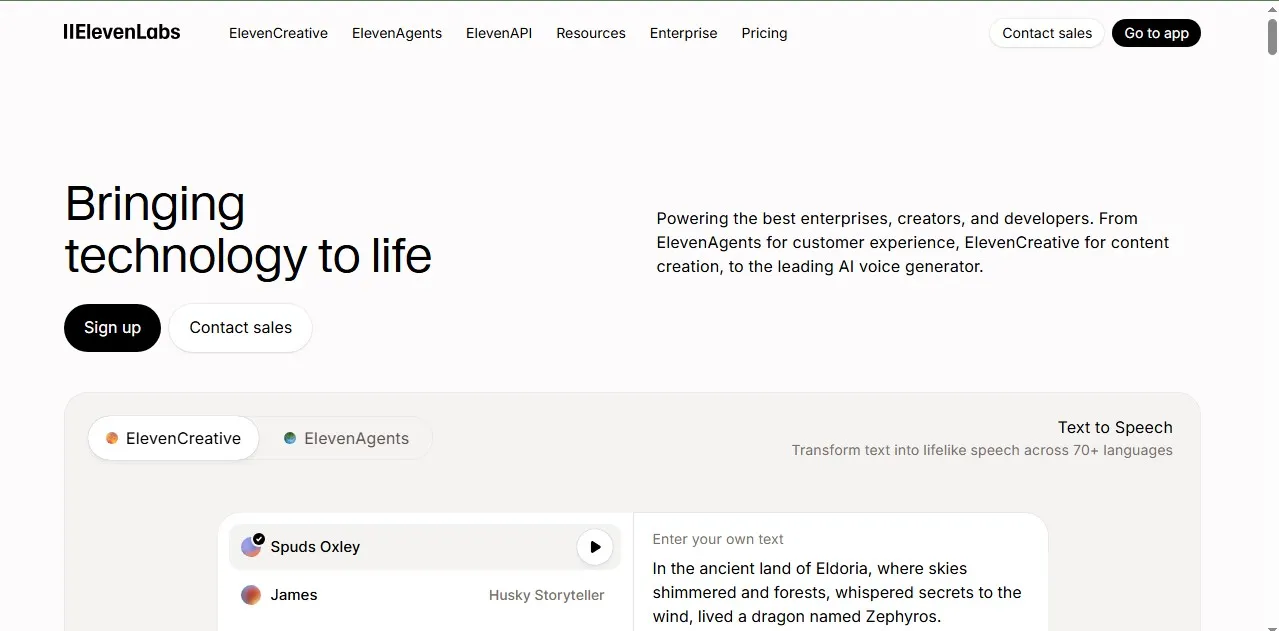
Almost every AI voice creator must have use Elevenlabs at one time. If you’ve heard those insanely realistic AI voices on YouTube or TikTok… chances are, it’s made using ElevenLabs.
I first used it to narrate a faceless YouTube Short video. I expected robotic nonsense. Instead? It sounded like a real human with pauses, emotions, even slight breathing. It was so smooth and cool.
What makes ElevenLabs stand out:
- Ultra-realistic voice generation
- Multiple voice styles and accents
- You can clone voices (yes, seriously)
Free plan:
- Limited characters per month
- Enough for short videos or testing
A Real-world example:
Let’s just say you’re running a faceless YouTube channel about finance. Instead of recording your own voice (awkward, time-consuming), you paste your script into ElevenLabs boom, studio-quality narration just in few minutes.
Lesson I learned the hard way:
I once used a cheap AI voice for a client project. The engagement dropped by 35%. People can hear the low quality. Please don’t cut corners here.
2. Murf AI
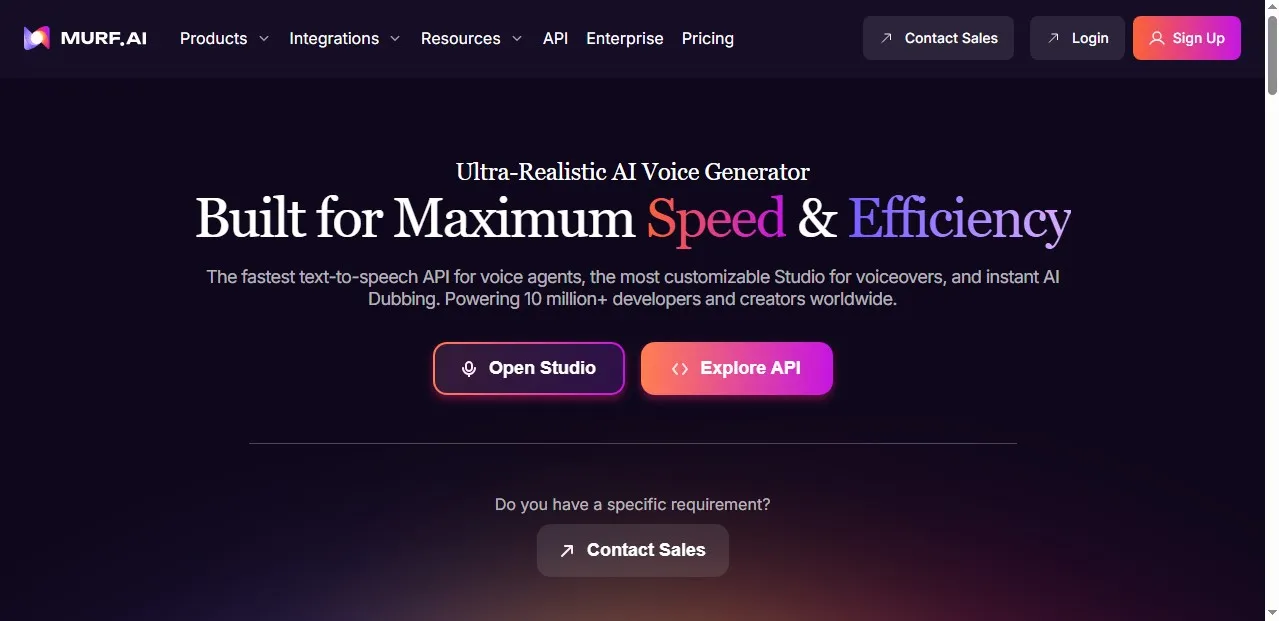
Murf is like the “clean, corporate” version of all AI voice tools.
But not as emotionally rich as ElevenLabs, but is still very super reliable.
Why I like Murf AI:
- Great for presentations and business content
- Easy-to-use interface (no learning curve)
- Built-in editing for timing and emphasis
Free plan:
- Limited voice generation credits
- Watermark on exports (small downside)
When to use Murf AI:
You can use it when you’re creating:
- Sales videos
- Course materials
- Business presentations
Murf keeps things very professional.
🎨 Best Free AI Image Tools
3. Leonardo AI
This one is a rare gem.
I stumbled on Leonardo AI while trying to create blog thumbnails. And honestly? It replaced Canva for me in some cases.
What makes it powerful:
- High-quality AI image generation
- Custom styles (cinematic, anime, realistic, etc.)
- Control over prompts and outputs
Leonardo Free plan:
- Daily token system (which resets every day)
Let me share with you a scenario:
Imagine writing a blog post about “side hustles.” Instead of using boring stock photos. You can generate a custom image, which is something unique. That alone can boost click-through rates by 20–30% ( This is based on my own tests).
My Personal mistake:
I used generic stock images for months. Traffic plateaued. Then I switched to AI-generated visuals. My Pinterest clicks doubled. It was not overnight, but noticeably increased.
4. Canva
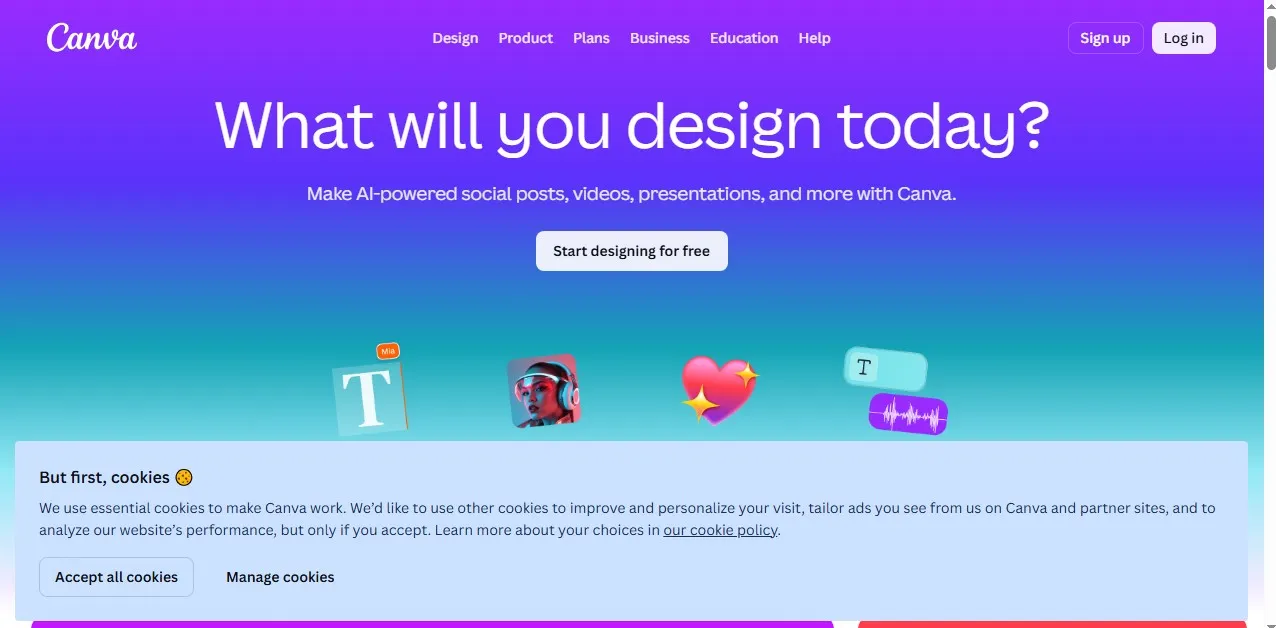
Yeah, I know. Canva isn’t “new.” But its AI features, is very much underrated.
If you’re already using Canva for your designs. You’re already sitting on gold and probably don’t even know it.
AI features inside Canva you not know:
- Text-to-image generator
- Magic design suggestions
- Background remover
- AI writing assistant
Why is Canva great:
- Beginner-friendly
- Everything in one place (design + AI)
- Perfect for social media content
Free plan:
- Generous, honestly
- Enough for most creators
A real-world use:
I once created 10 Instagram posts in under 30 minutes using Canva’s AI suggestions. Before that, It took me almost 2 hours to create.
🎬 Best Free AI Video Tools
5. Pictory
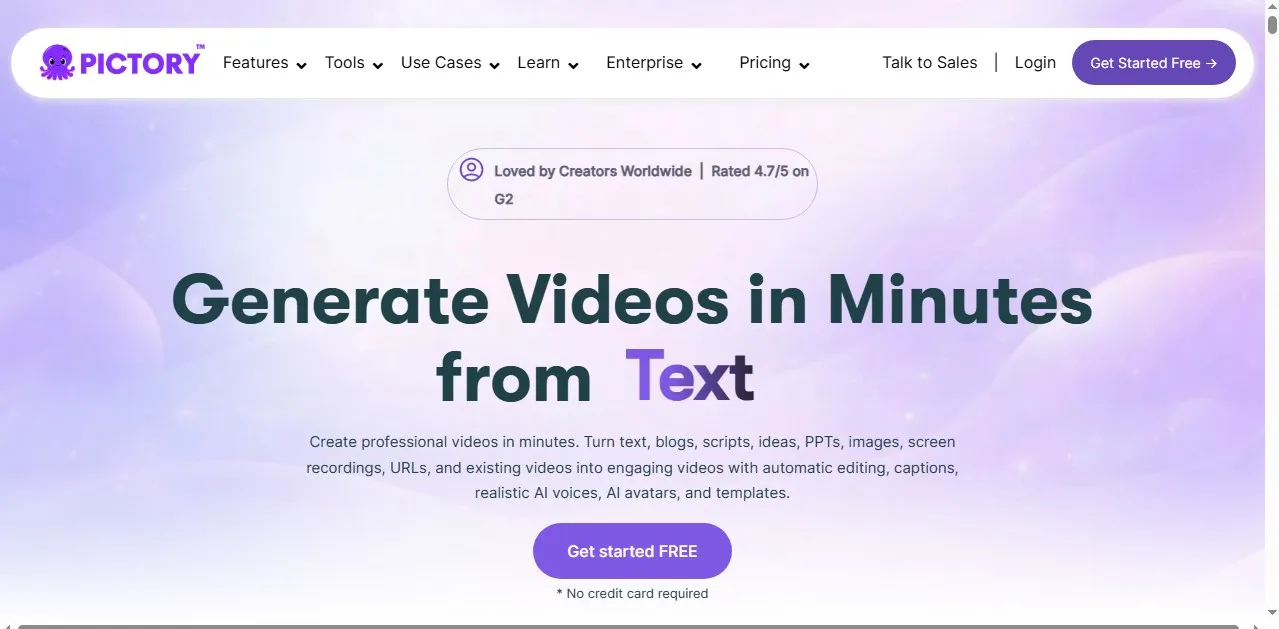
Pictory is what I wish I had when I started blogging in the first place.
It turns your text into video. I think that’s very cool.
What it does:
- Converts blog posts into videos
- Adds stock footage automatically
- Generates captions
Free plan:
- Limited video length
- Enough to test and create short content
Here is an example:
You already wrote a blog post (like this one). Paste it into Pictory. It becomes a YouTube or TikTok video in just few minutes.
There is no editing skills needed.
Hard lesson I learnt:
In my blogging journey, I ignored video creation for a long time. That was a big mistake. When I finally started repurposing content into videos, my reach increased by nearly 3x.
Don’t ignore creating video content.
6. CapCut
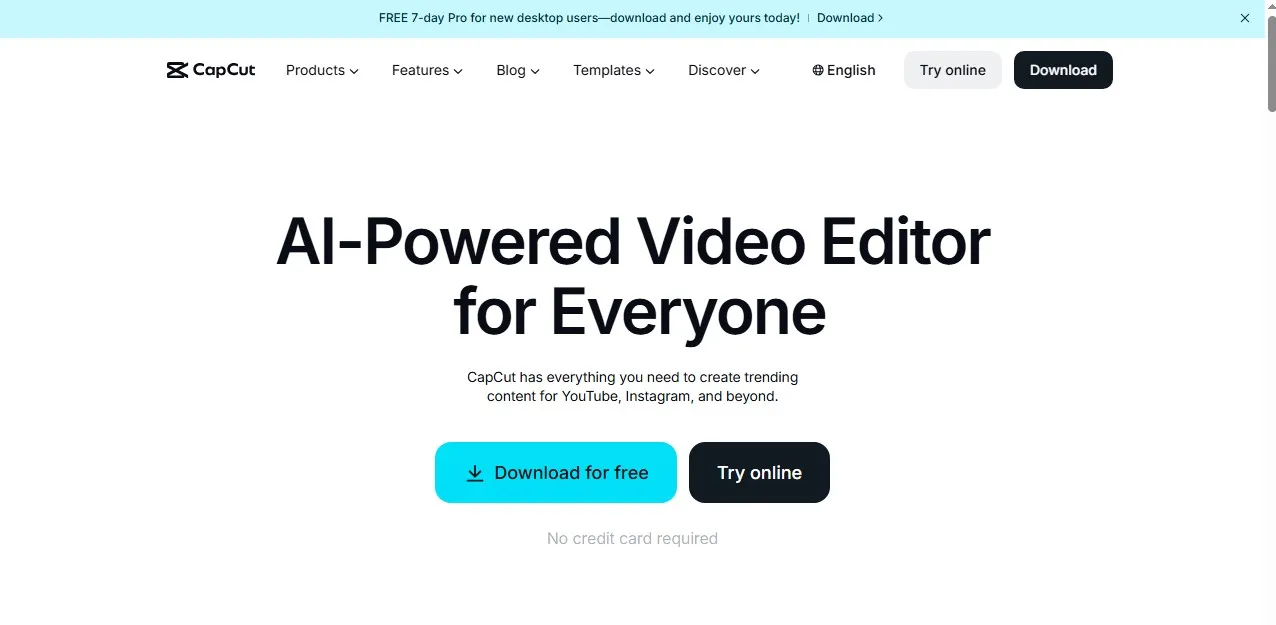
Am not sure there any video editor, that has not heard about CapCut. If you’re not using CapCut yet. what are you doing or waiting for?
This tool is insanely powerful and most features are free.
Why it’s a must-have:
- AI captions (auto subtitles)
- Background removal
- Text-to-speech
- Mobile + desktop support
Free plan:
- Fully usable without paying
- No major limitations
Here is a real-life scenario:
You record a simple talking video. CapCut can help you:
- Adds captions automatically
- Enhances audio
- Lets you edit like a pro
All in under 10 minutes.
My own experience:
I used to outsource video editing. Paid someone $30 – $60 per video. Now? I do it myself in CapCut. Have same quality, zero cost.
How to Combine These Tools (Simple Workflow)
Let me show you something practical…
If I were starting today, here’s the exact work-flow I would use:
- Write script/blog
- Generate voice with ElevenLabs
- Create visuals with Leonardo AI or Canva
- Turn into video with Pictory
- Polish the video with CapCut
That’s it, all done.
Just one system, multiple outputs:
- Blog post
- YouTube video
- TikTok clips
- Instagram content
This is how small creators are scaling fast right now.
The Biggest Mistake You Should Avoid
Trying to use everything at once. That’s something I would advise you not to do.
Seriously, don’t do it.
I made this mistake early on. Signed up for like 12 different tools. I got overwhelmed and I didn’t master anything.
My advise is for you to start with:
- 1 voice tool
- 1 image tool
- 1 video tool
Then you master those and then you expand.
My Final Thoughts
These tools aren’t just “cool AI tech.” They’re leverage.
They let you:
- Create faster
- Spend less money
- Compete with bigger creators
And if you use them right. You can build something very real.
I’ve failed at this before. wasted time lot of time, picked the wrong tools, and overcomplicated everything. But once I simplified my stack and focused on execution things changed.
It didn’t take overnight. But steadily it worked.
Related Posts You Should Check Out
If you found this guide helpful, you’ll love these on my blog:
- Best affiliate programs to make real money
- How to start a business blog
- Best web hosting providers for small websites
- How to create viral AI content creation
These will help you turn these AI tools into actual income.
Do you got questions?
Drop them in the comments. Whether you’re stuck choosing any AI tool or trying to build your first AI-powered content system. I will be right there to help you figure it out. Thank you very much for reading and see you on the next one.