
Welcome to First Guide 247, my name is Godstime. Let me be honest with you.
About 10 years ago when I started blogging, I thought writing a great content was enough. After writing I hit publish, sit back, and expect Google to send traffic to my website like a flood.
But nothing like that happened.
I could remember I wrote a specific post, back in 2016. Which took me 8 hours to write. The post was pure gold (at least in my head). After 3 months of publishing the post. I got 17 views. And I think 8 of those views were me refreshing the post multiple times.
That’s when I learned the hard way, SEO isn’t optional. It’s very essential for bloggers and more importantly, you need the right tools to guide you.
That’s where WordPress SEO plugins come in. They’re like your behind the scenes assistants or mangers. They check your content, fixing technical issues, and help Google actually understand what your website is all about.
In this guide, I will walk you through the best WordPress SEO plugins. I’ve personally used (and sometimes struggled with). I will guide you on what they’re good at, and which one might be right for you.
What Makes a Good WordPress SEO Plugin?
Before we jump into the tools, let me quickly clear something up.
Not all WordPress SEO plugins are created equal. Some look fancy but do very little. Others are a lot powerful but confusing as hell (yeah, I’m looking at my past self trying to configure everything manually).
Here’s what actually matters when choosing:
On-page SEO guidance (titles, keywords, readability)
Technical SEO support (sitemaps, indexing, schema)
Ease of use (because nobody wants a headache)
Performance (some plugins can slow down your website. don’t use bad idea).
To me a good plugin should feel like a helpful coach not a complicated machine. Now I want to list out my favorite Best 5 WordPress SEO Plugins.
1. Yoast SEO
The OG of WordPress SEO Plugins
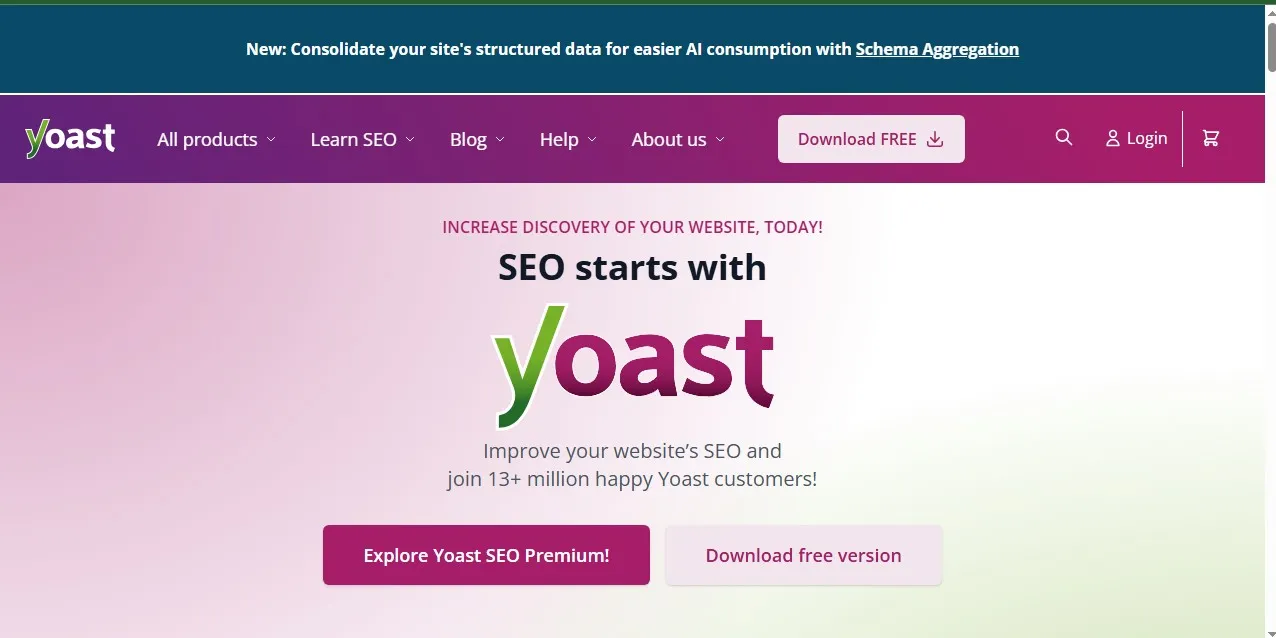
If WordPress SEO plugins had a “legend status,” Yoast would be sitting comfortably at the top of it.
This was actually the first SEO plugin I ever installed, when I started using WordPress. And honestly, Yoast saved me from making a lot of dumb mistakes.
Why I Like Yoast SEO Plugin
Real-time SEO analysis (green, orange, red signals)
Readability checks (this one humbled me)
Automatic XML sitemaps
Easy meta title & description editing
Let’s get Real
Back then, I used to ignore readability. Long paragraphs, with no structure. It was a total mess.
Then Yoast started giving me those red warnings like:
“Passive voice overused.”
At first, I was like, “Who cares about this?”
Then it turns out, Google (and my website content readers) care.
After fixing this issue, my average time-on-page increased by about 38% (yeah, I tracked it later on).
The Downsides of using Yoast
Can feel a bit restrictive using the free plugin
Sometimes pushes you to over-optimize
Yoast is best For
Beginners who want guidance without getting overwhelmed.
2. Rank Math
The Smart Alternative (That Feels Like Cheating. But In a Good Way)
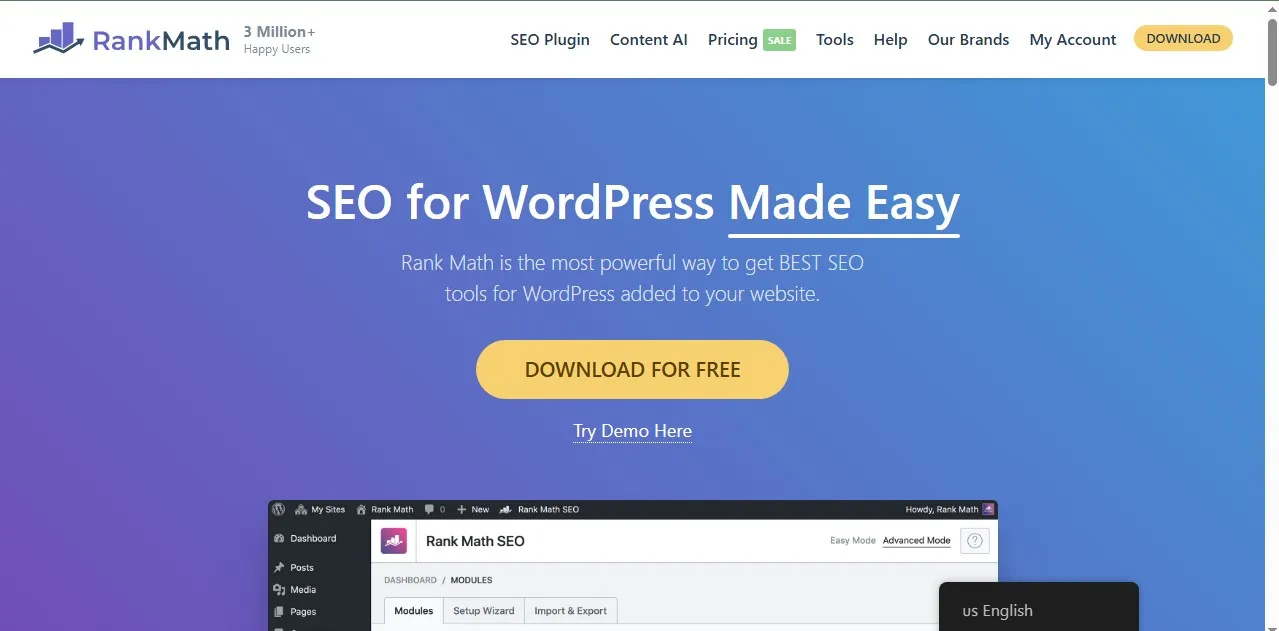
Now, this one came later and I wish it existed when I started using WordPress.
Rank Math is more like Yoast’s younger, smarter cousin who just gets things done way lot faster.
Why I am about to switch (Yes, I Am)
At some point, I got tired of juggling multiple Yoast plugins. Rank Math replaced like 3 tools for me.
What Makes Rank Math Powerful
Multiple keyword optimization (Yoast limits this unless you pay for the premium version)
Built-in schema markup
Google Search Console integration
Advanced SEO analysis
This is a Real Scenario
Let’s say you’re writing about “best web hosting.”
With Yoast (free version), you optimize for ONE keyword.
With Rank Math? You can optimize for:
best web hosting
cheap web hosting
hosting for beginners
All of these in one post.
That’s a game changer, right?.
The Downsides of Using Rank Math
Too many features can overwhelm some beginners
Setup wizard can feel like, a lot to handle.
Rank Math is best For
Intermediate bloggers or website owners, who want more control and flexibility.
3. All in One SEO (AIOSEO)
This is the most Underrated Powerhouse
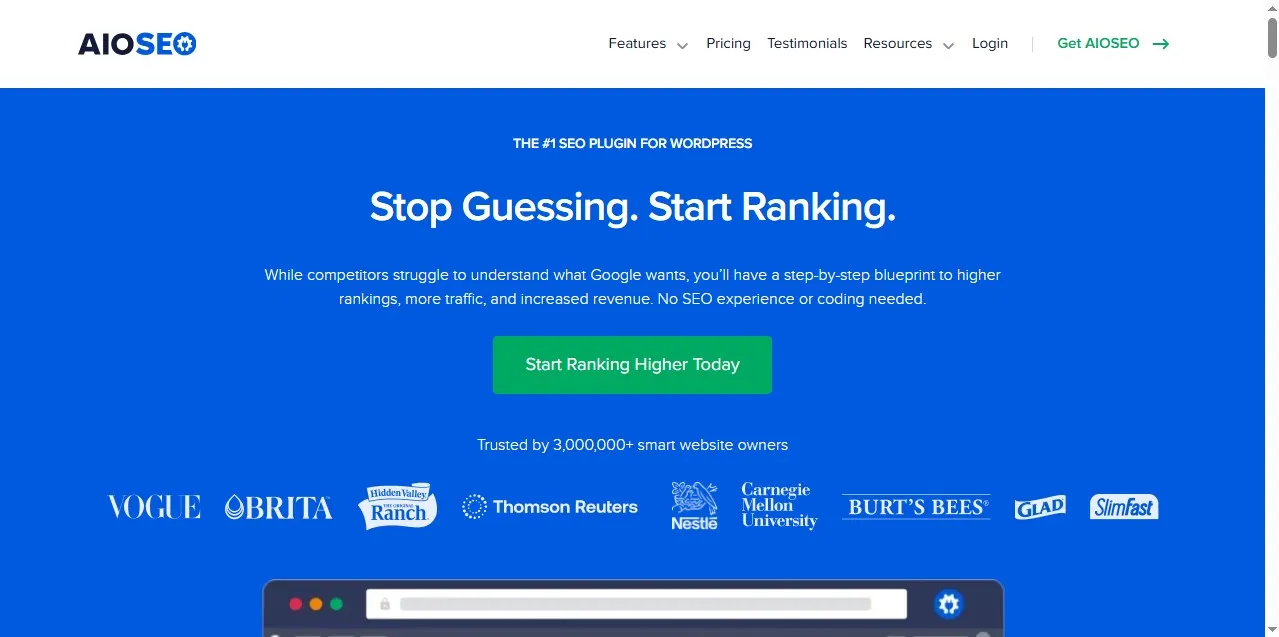
I’ll be very honest with you. I ignored this plugin for many years.
It was a big mistake on my part.
I finally tested it for a client project I was working on. I was surprised at how polished and easy it felt.
All in One SEO Key Features
Smart meta tag generation
WooCommerce SEO support
Local SEO features
TruSEO score system
My Experience
I used AIOSEO on a client small niche website about side hustles. Nothing too fancy.
Within 2 months, one article jumped from page 4 to page 1.
Now, was it only the plugin that made it rank better? Of course not.
But having better on-page optimization definitely played a key role.
All in One SEO Downsides
Some features are locked behind paid plans
Not as interactive as Rank Math
AIOSEO is best For
Business websites and bloggers who want simplicity and power.
4. SEOPress
Clean, Lightweight, and Seriously Underrated
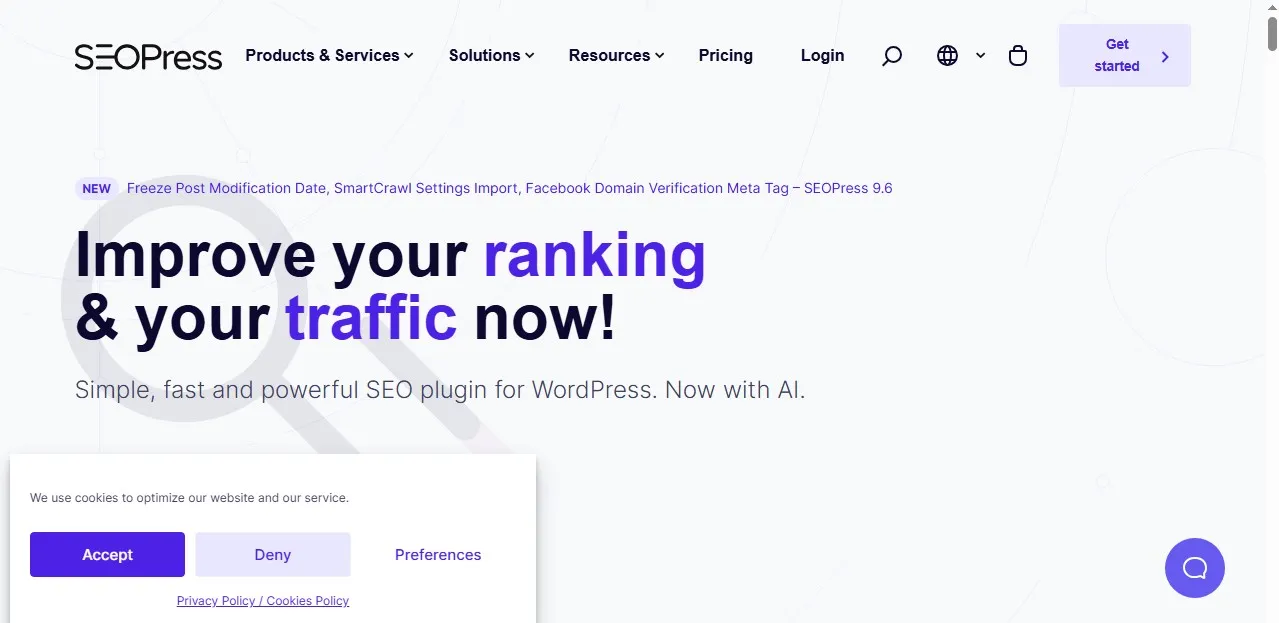
If you hate having clutter, then you’ll love SEOPress.
This plugin doesn’t scream for attention. It just quietly does its job perfectly.
Why It SEOPress Stands Out
No ads (yes, finally)
It has a white-label option (great for agencies)
Fast and lightweight
Easy Google Analytics integration
Let Me Share A Quick Story
I once worked on a website that loaded like a snail or tortoise. Turned out, it has too many heavy plugins.
I switched to SEOPress, removed the junk and boom.
The website page load time dropped from 4.8 seconds to 2.1 seconds.
That’s very huge. Google also notices this stuff.
Downsides of using SEOPress
Not as beginner-friendly
Interface feels minimal (some people will prefer more guidance)
SEOPress is Best For
Developers, agencies, or bloggers who want performance over fluff.
5. The SEO Framework
This plugin is the “Set It and Forget It” Option
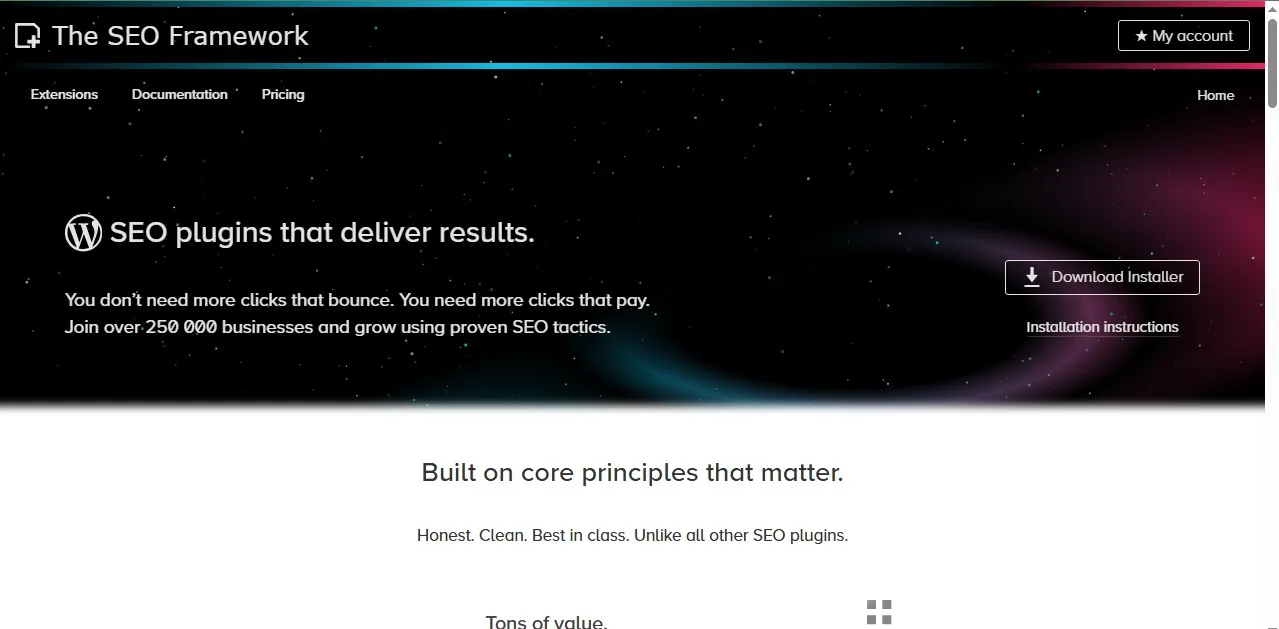
This one is for people who don’t want to constantly tweak their SEO settings.
And to be honest, I respect that.
The SEO Framework Features
Automated SEO optimization
No ads, no upsells
Lightweight and fast
Has preconfigured settings
My Own Take on SEO Framework
I tested this on a experimental personal blog where I didn’t want to overthink things.
I Just wrote a content. Hit publish. Then I moved on.
And guess what? It worked, very decently well.
It didn’t have a explosive growth, but it was steady.
Downsides of using SEO Framework
You have less control
Not ideal for advanced SEO strategies
SEO Framework is Best For
Lazy, don’t get me wrong. I mean, busy bloggers who want simplicity over complexity
Yoast vs Rank Math (The Real Debate)
Let’s address the big question on your mind right now.
Everyone asks me:
“Godstime, which one should I use?”
Here’s my honest answer from me to you:
If you’re just starting out, go with Yoast SEO
If you want more features without paying early go with Rank Math
Personally? I want to start using Rank Math now.
But Yoast taught me SEO fundamentals. I wouldn’t skip that phase for anything.
Common Mistakes I Made (So You Don’t Have To)
1. Installing Multiple SEO Plugins
I did this once. Please am begging you, don’t do it.
Multiple plugins will conflict. Your website will act weird. Google will get more confused.
Pick ONE and Stick with it, that all.
2. Obsessing Over Green Scores
This one yeah, I am guilty. Even up until now, I still mistakenly do it.
Back then I used to chase that perfect green score like my life depended on it.
But here’s the truth you might not know:
A post with a “yellow score” can rank #1 on search engines.
Do you know why?
Because content quality + search intent is greater than plugin score
3. Ignoring Technical SEO
WordPress SEO Plugins helps a lot, but they don’t fix everything for you.
Things like:
Website speed
Mobile optimization
Internal linking
Still matters, a lot.
Which SEO Plugin Should YOU Choose?
Let’s make it simple.
Are you a Beginner blogger?, go for Yoast SEO
A Growth-focused creator?, go for Rank Math
Business website?, go for All in One SEO
Building a performance-focused website?, go for SEOPress
Need minimal effort setup?, go for The SEO Framework
There’s no “perfect” plugin. Just the one that fits your website workflow.
My Final Thoughts (From Someone Who Learned the Hard Way)
If I could go back and give my younger self one piece of advice, it would be this:
“Stop guessing. Use the tools available to you.”
Put this in your mind WordPress SEO plugins won’t magically rank your website. But they’ll guide you, correct you, and sometimes save you from publishing something terrible.
And trust me, I’ve published plenty of those contents.
The real magic happens when you combine:
Good content
Smart keyword targeting
And the right SEO plugin
That’s when things start clicking together.
Internal Links You Should Check Out
If you’re serious about growing your blog, I recommend reading these next:
These guides will help you build a solid foundation alongside your SEO efforts.
Now It’s Your Turn
Which SEO plugin are you currently using?
Or which are you still trying to decide to use?
Drop your questions in the comments. I will personally help you figure it out based on your blog and goals. I hope you learnt a thing or two from this guide. Thank you for reading and see you on the next one.