
Back when I was still figuring things out (at that time, I thought I knew everything), I installed over 32 WordPress plugins on a brand-new blog I created.
Thirty-two, I think it’s even more than. You might be thinking, why would you install so many plugins?
The reason is because every YouTube video said, “This plugin is a must have for a blog”. I was just installing everyone.
Guess what happened?
- My website slowed down like crazy
- The pages took more than 8+ seconds to load
- And one random day. I had a white screen of death on my blog
There was no warning and got no mercy. It was brutal.
That was the day I learned a painful lesson:
Plugins can either build your website or completely destroy it.
So if you’ve ever wondered:
- What exactly is a WordPress plugin?
- How many should you install?
- Which ones actually really matters?
I have got you. You don’t need to worry.
Let me break it down properly for you and I’ll show you the exact WordPress plugins I use (and trust) for speed, SEO, and security.
What Is a WordPress Plugin? (Simple Explanation)
Before I begin telling you which plugins to install on your website. Let me tell you what actually is a WordPress plugin.
Think of a WordPress plugin like an app on your phone.
Your phone works fine on its own without the help of a app right?. but when you install apps like WhatsApp or Instagram, it suddenly does a lot more for you.
It’s the same thing. The phone app e.g. Instagram is like a WordPress plugin.
A WordPress plugin is a piece of software you install on your website to add new features or improve functionality of your website, without writing a single line of code.
Here Is An Examples:
- Want to rank on Google?. You Install an SEO plugin
- Do you want your website to load faster?. You Install a caching plugin
- Want to secure your website?. Install a security plugin
It’s that easy.
When I first started building a website on WordPress. I thought I needed to “learn coding” to build a serious website. Turns out? Plugins do more than 80% of the heavy lifting.
But Here’s the Catch (And Most People Ignore This)
Most of the plugins are powerful and they’re also dangerous if you misuse them.
Let me explain a bit more.
Every single plugin you install on your website:
- Adds code to your website
- Uses server resources
- Can conflict with other WordPress plugins
I have seen websites with just 10 plugins running very smoothly and others with 15 plugins crashing every time.
So it’s not about the number. It’s about the quality of the plugins.
My own personal rule:
If a plugin doesn’t directly improve:
- Speed
- SEO
- Security
- Or any part of my website
I don’t install it.
It’s that simple.
Best WordPress Plugins for Speed (Because Slow Webites Don’t Make Money)
Let me be real with you.
Nobody likes a slow website. I guess you already know that.
There’s a stat floating around (and honestly, I have seen it play out in real life):
55% of visitors would leave a website if it takes more than 3 seconds to load.
I once had a blog loading in 6.4 seconds. Traffic was coming in. but bounce rate was very high.
After optimizing my website speed. The bounce rate dropped by 22%.
That’s not theory. That’s money right there.
Top Speed Plugins I Recommend
1. WP Rocket
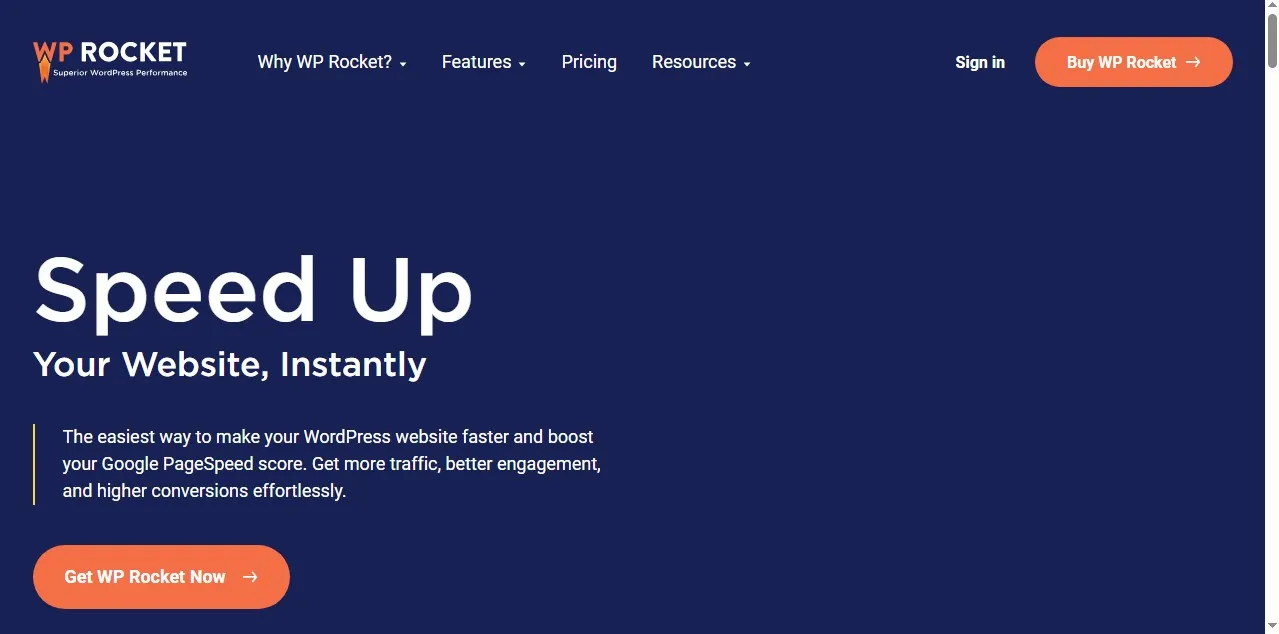
This one’s premium, but wow it works really well.
- Page caching
- Browser caching
- Lazy loading
- Database optimization
I installed it on one of my websites and saw load time drop from 4.8s to 1.9s in under 10 minutes of installation.
I am not been exaggeration.
2. W3 Total Cache
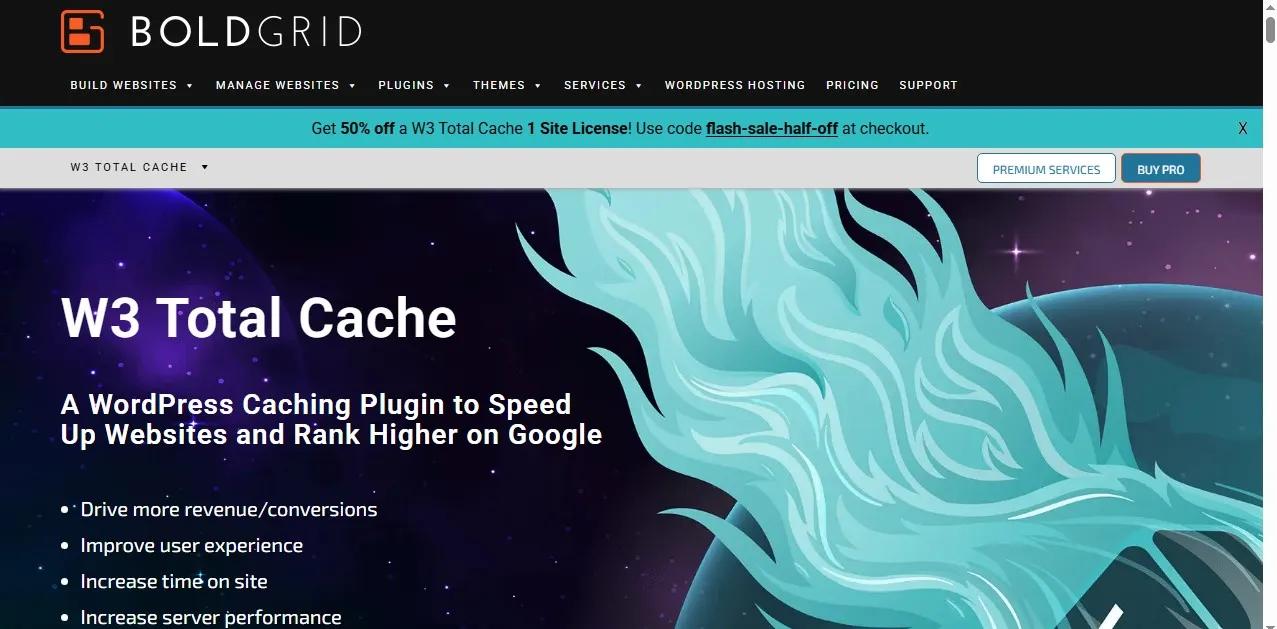
This one has a free alternative, but it’s also a bit technical.
- Great for advanced users
- Tons of customization to choose from
- You might break things if misconfigured (I have done that before)
If you’re a beginner, take your time with this one to learn it.
3. LiteSpeed Cache
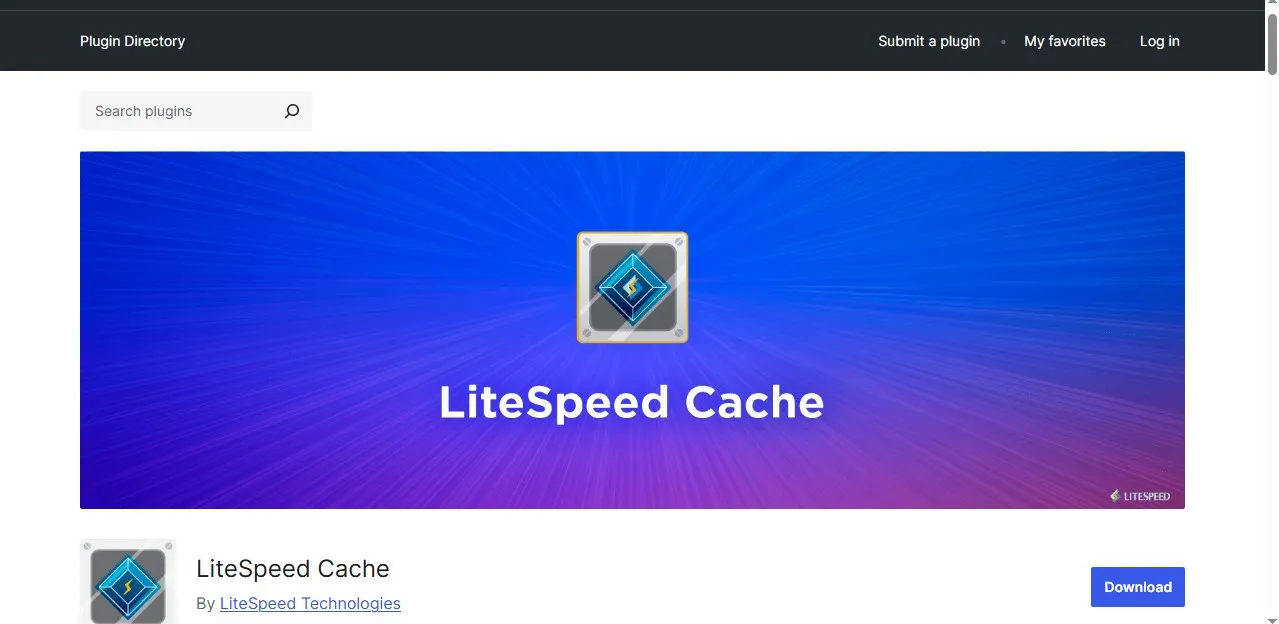
If your host supports LiteSpeed servers. This plugin is gold, it has:
- Powerful caching
- Image optimization
- CDN integration
Honestly, for some setups, it even rivals WP Rocket.
Best WordPress Plugins for SEO (Traffic Equals Everything)
You can have the fastest website in the world. But if nobody finds it, when they need it. Then what’s the point?
SEO is where the real game starts.
And plugins? They make it a lot more easier for you.
I remember at one time publishing 20 blog posts with zero SEO optimization. Guess how much traffic I got from those posts?.
I got zero traffic or let me say nothing.
Then I started using proper SEO tools and things starts to change for good.
Top SEO Plugins You Should Use
1. Yoast SEO
This is where most people start including me.
- Easy to use
- Real-time content analysis
- Helps with readability, keywords and lot’s more
It literally tells you:
“Hey, your paragraph is too long.”
“Use your keyword here.” Do this and that, it’s like having a mini coach.
2. Rank Math
Personally? I switched to this at one time. because
- More features (even in free version)
- Built-in schema markup
- Lightweight and a whole lot more
One of my posts jumped from page 3 to page 1 after properly optimizing it with Rank Math.
Was it a coincidence? I think maybe. But I doubt it.
3. All in One SEO (AIOSEO)
This is another solid option. It has:
- Beginner-friendly
- Good for small businesses
- Straightforward setup
If Yoast feels overwhelming. Please you need to try this.
Best WordPress Plugins for Security (Don’t Skip This… Seriously)
Let me scare you a little bit.
One of my early websites got hacked.
I logged in one evening and I saw:
- Spam links everywhere
- Random ads injected
- Google flagged my website as unsafe
My website traffic dropped to zero overnight.
That experience, I had was very painful. And now I do my best to completely avoid it.
Top Security Plugins You Need
1. Wordfence Security
This is my go-to plugin. It has
- Firewall protection
- Malware scanning
- Login security
It once blocked over 1,200 malicious login attempts on my website in a single week.
Yeah, people are always trying to spam or hack your website.
2. Sucuri Security
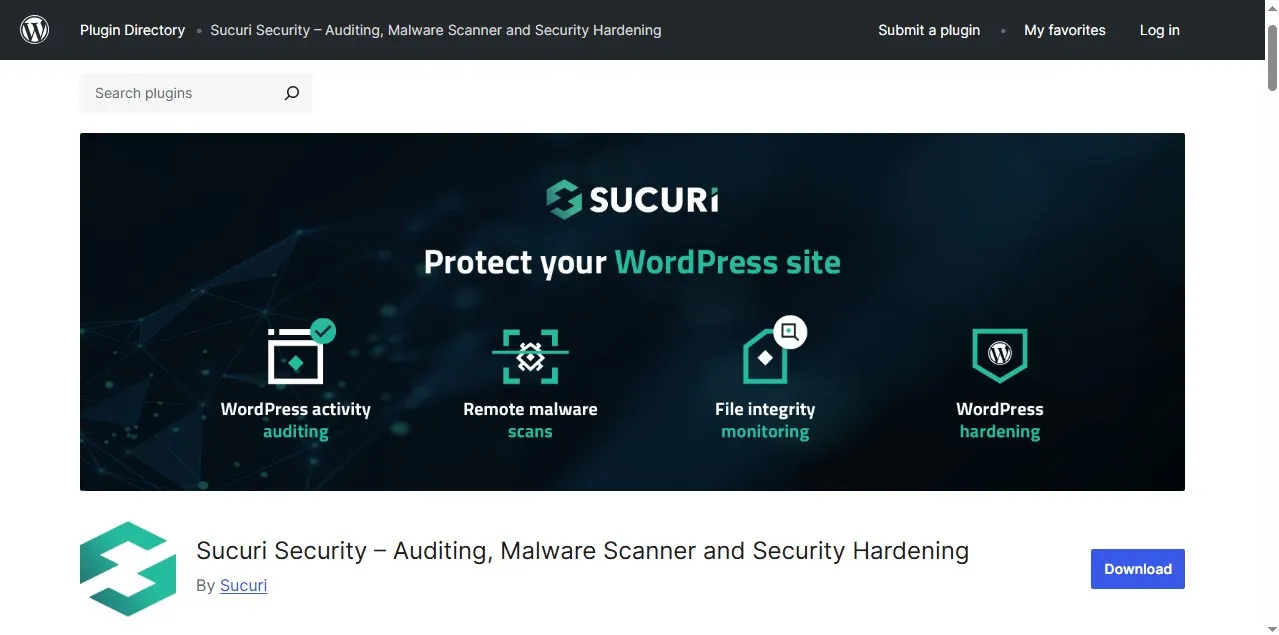
Sucuri is another strong option. Installing this will get you:
- Website monitoring
- Malware cleanup
- Blacklist monitoring
And you will have peace of mind.
3. Solid Security (Formerly iThemes Security)
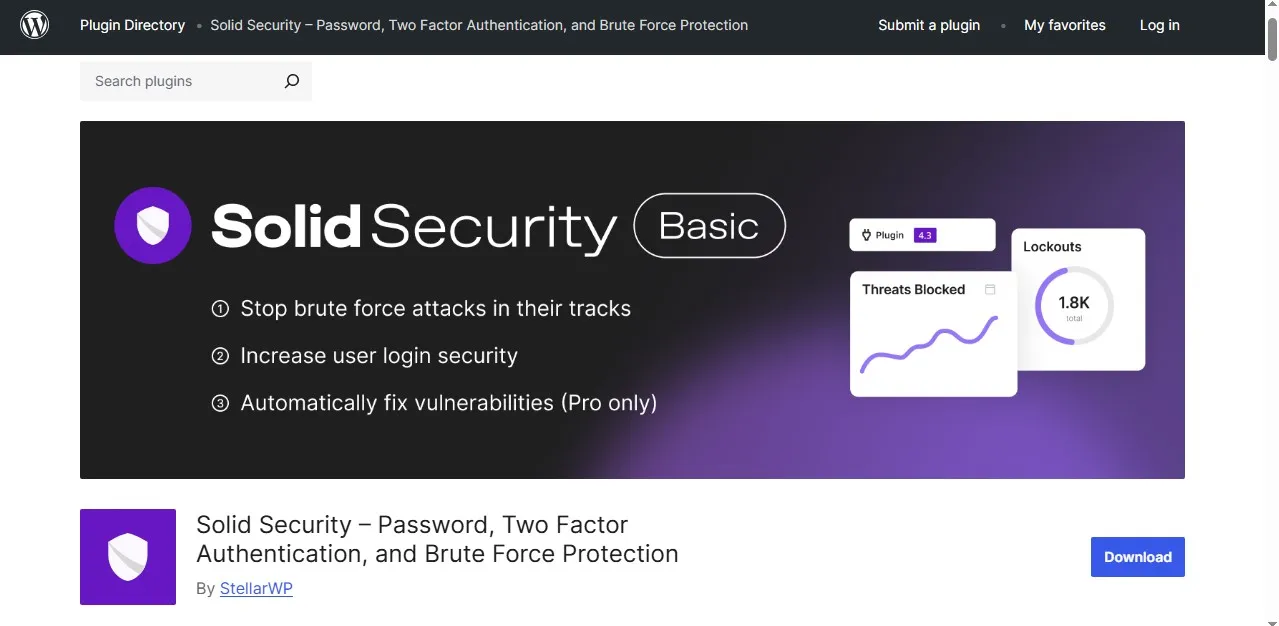
iThemes security is great for beginners. It has
- Easy setup
- Brute force protection
- File change detection and lot more.
If you’re just starting, this is a solid pick for you.
How Many Plugins Should You Actually Install?
Let’s clear this up quickly.
There’s no magic number like:
“You should only install 10 plugins.”
That’s just nonsense.
What matters is:
- Plugin quality
- Compatibility
- Performance impact
I have run websites with:
- 8 plugins (super fast)
- 18 plugins (still fast and stable)
But I have also seen websites with just 10 plugins that were completely broken.
My personal sweet spot:
8–15 high-quality plugins
That’s usually enough to cover everything without overloading your website. Especially when you are already using a theme that comes with 3-7 essential plugins.
Common Plugin Mistakes (I’ve Made All of These)
Let me save you some headaches and stress.
Installing too many plugins
I have already talked about this, please don’t do it.
Using outdated plugins
Old plugins will cause huge security risks.
Please always update them.
Installing nulled (cracked) plugins
I know they’re very tempting. I have been there before.
At that time I would think “Why should I pay when I can get it free?”
That was a very bad idea.
That’s how malware gets into your website very fast.
I learned this the hard way. Never again will I do that.
Not testing after installing a plugin
Every time you install a plugin:
- Check your website
- Test key pages
- Make sure nothing breaks
It’s just a simple habit, but it helps a lot.
My Personal Plugin Stack (What I Actually Use)
Let me keep it real with you.
Here’s a typical setup I use on most websites I build:
Speed:
- WP Rocket or LiteSpeed Cache
SEO:
- Yoast or Rank Math
Security:
- Wordfence
Others:
- Backup plugin
- Image optimization plugin
That’s all. You don’t need unnecessary extras.
Real-World Scenario (So You Can Picture This)
Let’s me say you launch a blog today.
You went on to:
- Install 30 plugins
- Don’t optimize speed
- Ignore SEO
- Skip security
This is what might happen to your website
- Your website will load very slowly
- Google doesn’t rank you
- Visitors leave very quickly
- Hackers find vulnerabilities in your website
Now flip it this way:
Try to use:
- 10 high-quality plugins
- Optimize speed
- Set up SEO properly
- Secure your website
Your result will be
- Faster loading
- Better rankings
- More traffic
- More trust
These are same effort, but completely different outcome.
Conclusion: Plugins Are Tools, Use Them Wisely
Plugins can take your WordPress website from basic to powerful.
But they’re not magic.
Use the right ones, and your site flies.
Use the wrong ones, and… well, you already heard my 32-plugin disaster story.
If you’re just starting, keep it simple:
- Focus on speed
- SEO
- And security
Everything else, is just secondary.
Related Posts You Should Check Out
If you want to go deeper, I have covered these on this blog:
- How to Build a WordPress Blog from Scratch
- Best Web Hosting Providers for Beginners
- Best Website Builders for Beginners (My Honest Picks After 10 Years of Building websites)
- Best Affiliate Programs for Bloggers
Do you have any questions?
Drop them in the comments. Seriously, whether it’s about plugins, setup, or something that just isn’t working on your website, just let me know. I will be there to help you figure it out. Thank you for reading this guide and see you on the next one