
Most people overcomplicate design sometimes.
They think you need expensive software, hours of training, and a “creative eye” to make something that looks good or professional. I used to think the same way until I started creating content at large scale and realized speed matters just as much as skill.
That’s where Canva really changed the game for me.
Over the past 10 years of me building websites and publishing content. I have tested just about every design tool out there. Some are powerful but slow, others are simple but very limiting. Canva sits I think in the middle. It’s fast, practical, and surprisingly capable once you know how to use it.
This isn’t a sponsored recommendation. It’s a tool I keep coming back to because it gets the job done without wasting much of my time. It’s what I use in designing all my featured images here in First Guide 247.
What Is Canva?
Canva is an all-in-one graphic design platform built for beginners and professionals alike.
Instead of starting from scratch, you get access to thousands of ready-made templates for almost everything like:
- Blog graphics
- YouTube thumbnails
- Instagram posts
- Presentations
- Logos
- Flyers and posters
Plus everything runs in your browser. You need of downloading software, no learning curve that slows you down.
You drag, drop, edit text, swap images and you’re done.
Do you want this tool?
Getting Started: Free Plan vs Paid
One thing Canva gets right is accessibility.
You can start with the free plan and do quite a lot without paying a single dollar. For many beginners, that’s more than enough.
But if you’re serious about content creation, the Pro plan unlocks real power. You get:
- Premium templates and elements
- Background remover
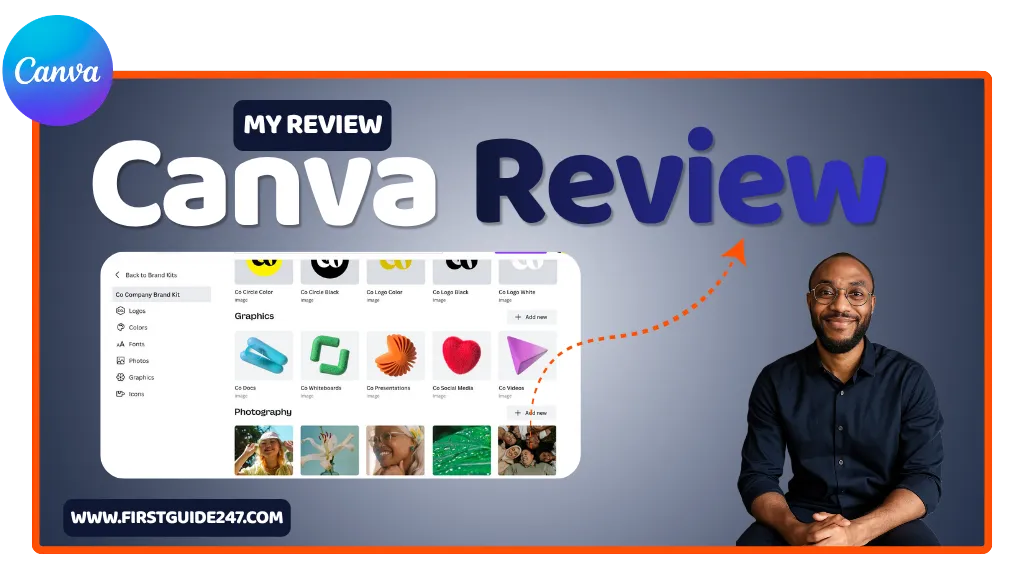
- Brand kits (colors, fonts, logos)
- Magic resize for different platforms
- Access to a massive stock library
There’s no pressure upfront that’s one thing I love about canva. You can explore first, then upgrade when you feel the limitations.
The Editor: Simple, Fast, and Surprisingly Powerful
The first time you open Canva, you’ll notice how clean everything feels.
The editor is built around drag-and-drop. You click on an element, move it, resize it, and tweak it instantly. No hidden menus or confusing panels.
But don’t let the simplicity fool you. it’s still very powerful.
You can:
- Adjust colors, fonts, and spacing with precision
- Add animations to designs
- Use transparency and layering
- Apply filters and effects to images
- Insert icons, shapes, and illustrations
What I like most is speed. You can go from idea to finished design in just few minutes.
Templates: The Real Time-Saver
This is where Canva shines.
Instead of staring at a blank page, you can pick a template and customize it. That alone saves you hours of work.
There are templates for almost every use case:
- Social media content
- Blog featured images
- Ads and banners
- Business cards
- Pitch decks
You’re not just only saving time. You’re also getting designs that already follow good visual structure.
Brand Kit: Stay Consistent Without Thinking
If you run a blog or business, consistency matters more than creativity.
Canva’s Brand Kit lets you store:
- Your logo
- Brand colors
- Fonts
Once that’s set, every design automatically stays on-brand. No guesswork and no inconsistency.
It’s a small feature, but it makes a big difference over time. I can assure you that.
Canva AI Tools: It’s Helpful, But Not Perfect
Canva has started leaning into AI. To be honest with you, some of these tools are genuinely useful.
You’ll find features like:
- Magic Design (generate layouts automatically)
- Background remover
- Text-to-image generation
- Magic Resize (adapt designs instantly)
They’re not perfect, but they speed things up quickly.
I don’t rely on them completely, but as assistants, they’re very solid.
Collaboration: Built for Teams
Canva isn’t just a solo tool anymore.
You can now:
- Share designs with a link
- Leave comments
- Work on designs together in real-time
- Create team folders
If you’re working with clients or a small team. This saves a lot of back-and-forth.
Performance: Smooth and Reliable
Because Canva runs in your browser, performance depends on your internet connection but overall, it’s very stable. I have tested it with poor connection and I could still use it.
Designs load quickly, edits are instant, and exporting files (PNG, JPG, PDF, even video) is straightforward.
It just works. And that what matters.
Who Is Canva For?
Canva is ideal for:
- Bloggers who need quick featured images
- Content creators making social media posts
- Small business owners designing marketing materials
- Freelancers working with clients
- Beginners who don’t want to learn complex tools
If your work involves visuals in any way, Canva fits in naturally.
PROS
Extremely easy to use
Huge template library
Fast workflow
Great for beginners and professionals
Powerful Pro features (especially Brand Kit and resize)
Works entirely in the browser
CONS
Advanced design control is limited compared to tools like Adobe Photoshop
Some templates feel overused
Requires internet connection
AI features are helpful but not always precise
My Canva Review Summary
Canva is one of those tools that doesn’t try to impress you with complexity. It just wins you over with simplicity.
It removes friction you get on other softwares.
Instead of spending hours designing, you spend minutes. Instead of learning tools, you focus on creating content you love to create.
And in today’s fast-moving web, that’s exactly what you need.
Related Reviews You Should Read
If you’re building your content stack, these tools pair well with Canva:
If you’ve used Canva before, I would like to hear your experience. And if you have any questions about getting started or choosing between the free and Pro plans. Drop a comment below, I’ll be happy to help you.