
It has been more than 8 years in my blogging journey. I sent a guest post to a pretty big website. I was confident, like I was really confident about the guest post.
Three days later, the editor replied with this:
“Great ideas… but the grammar in your content, needs serious work.”
Ouch, I felt a sharp pain.
That email stung. Not because he was rude, which he wasn’t. But to be honest, because he was right.
I went back and reread my article. There was comma splices and many awkward sentences. Random tense switches like I couldn’t decide what time zone my verbs were living in.
And here’s the crazy part…
I didn’t even notice those mistakes while I was writing the post.
That’s when I realized something most beginners always ignore:
You can have amazing ideas, but bad grammar will quietly kill your credibility.
So yeah, I had to fix it. Fast.
That’s where grammar checkers came in. It’s not perfect, not magical. But man… they helped a lot.
In this guide, I’ll walk you through the best grammar checkers I’ve used over the years. The good, the frustrating ones, and the ones that actually made me a better writer.
What Makes a Good Grammar Checker?
Before we start talking about the tools, let me clear something up.
A grammar checker isn’t just about fixing typos. If that’s all you want, your browser already does that.
A good one grammar checker should:
-
Catch grammar mistakes (obviously)
-
Improve clarity and the sentence flow
-
Suggest better word choices
-
Match your tone (this one matters more than you think)
-
Not make your writing sound like a robot or AI wrote it
Because here’s the danger, you are not aware of.
Some tools “fix” your writing so much. It makes your content stops sounding like you.
And that’s not what you want, right?
1. Grammarly
The One Everyone Starts With (Including Me)
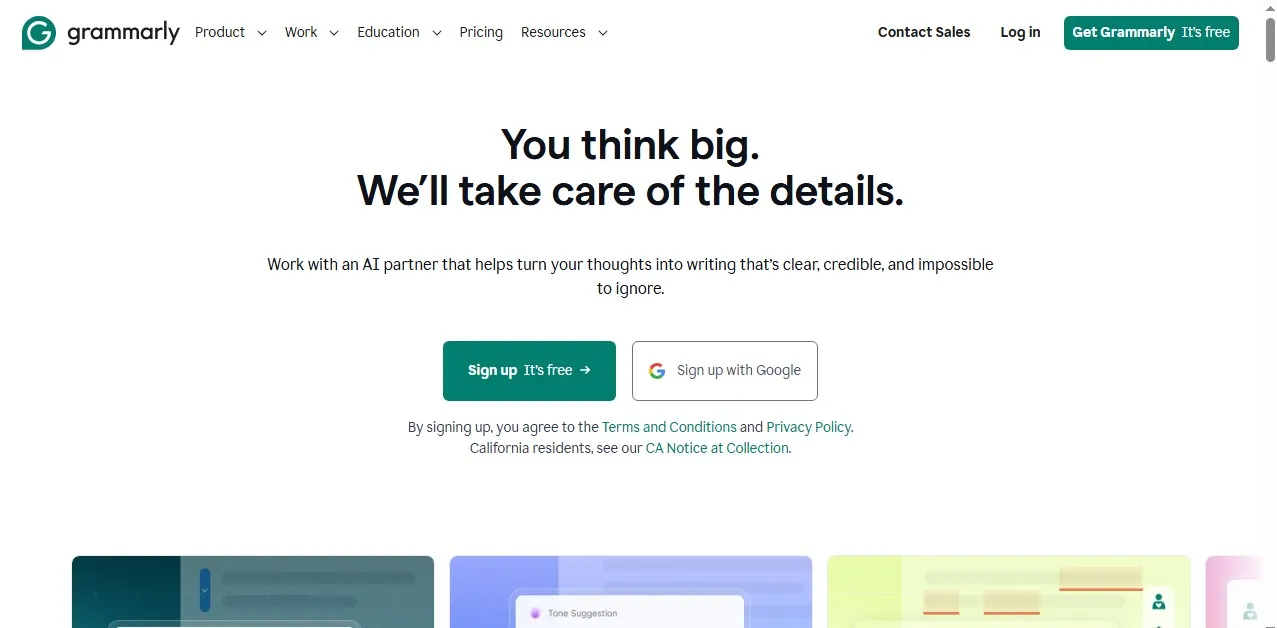
If you’ve been online for more than 150 minutes, you’ve probably heard of Grammarly.
This was my first grammar checker. I Installed it as a Chrome extension and boom. I got instant feedback everywhere.
In my emails, blog posts, even WhatsApp Web. Yeah, it was correcting me everywhere.
Grammarly Main Features
-
Real-time grammar and spelling corrections
-
Tone detection (formal, friendly, confident)
-
Clarity suggestions
-
Works across platforms (browser, Word, Google Docs)
Let Me Share A Real Moment
I once wrote a product review email to a potential affiliate partner. The email looked fine to me.
But Grammarly flagged the tone as “slightly negative.”
I was like wait, what?
Grammarly rewrote a few lines. Then made it sound more enthusiastic.
That email got a reply within 24 hours.
Was it coincidence? Maybe or Maybe not.
But I have learned not to ignore tone anymore.
Downsides of using Grammarly
-
The free version is limited
-
Sometimes it overcorrects casual writing
-
Can make your writing feel “over too perfect”
Grammarly Is Best For
Beginners and everyday writers.
2. ProWritingAid
The Deep Analyzer (For Serious Writers)
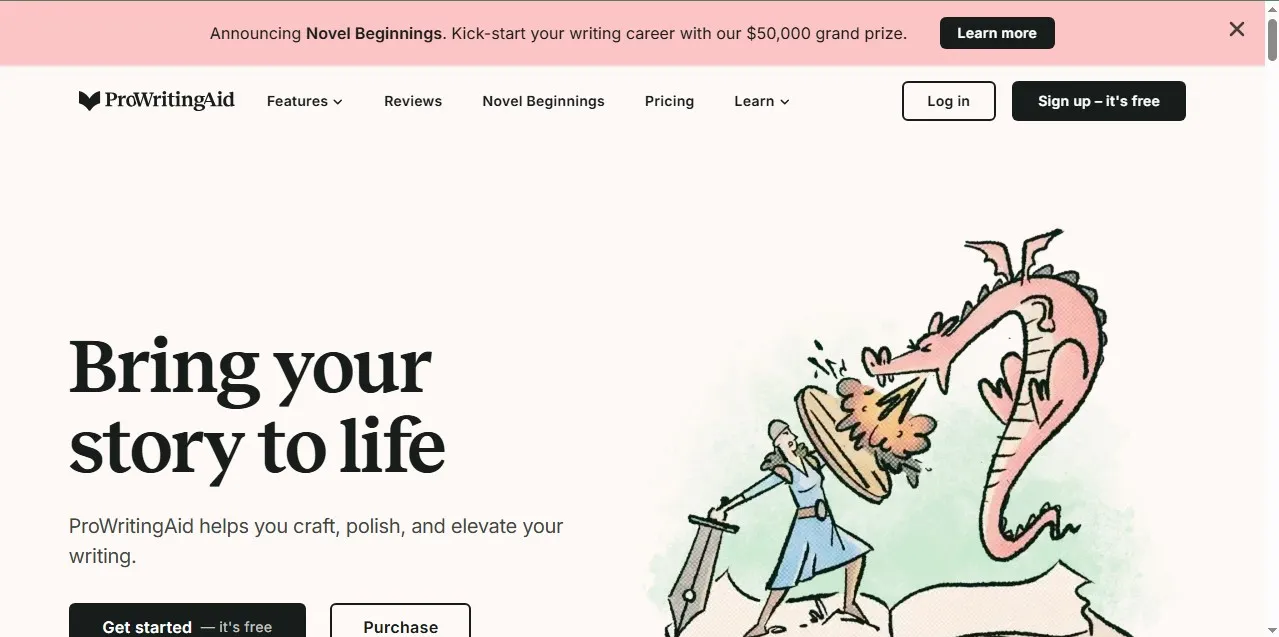
This one, is a different beast entirely.
ProWritingAid doesn’t just correct your writing, it helps you analyzes it better.
The first time I used it, I felt attacked positively.
Why Should I Use ProWritingAid?
Because it showed me things like:
-
Overused words (I used “very” 47 times in a single post, it was embarrassing)
-
Sentence variety issues
-
Readability problems
-
Sticky sentences
Here Is A Specific Scenario
I ran a 2,000-word blog post through it once.
ProWritingAid told me:
“32% of your sentences are hard to read.”
I said 32%?!
No wonder people were bouncing off my website.
After fixing those issues, my bounce rate dropped by about 18% over the next month.
That’s real impact right there.
ProWritingAid Downsides
-
Interface can feel overwhelming
-
Not as beginner-friendly
-
Slower than Grammarly in real-time use
ProWritingAid Is Best For
Bloggers, authors, and long-form content creators.
3. Hemingway Editor
A.K.A The “Stop Overcomplicating Things” Tool
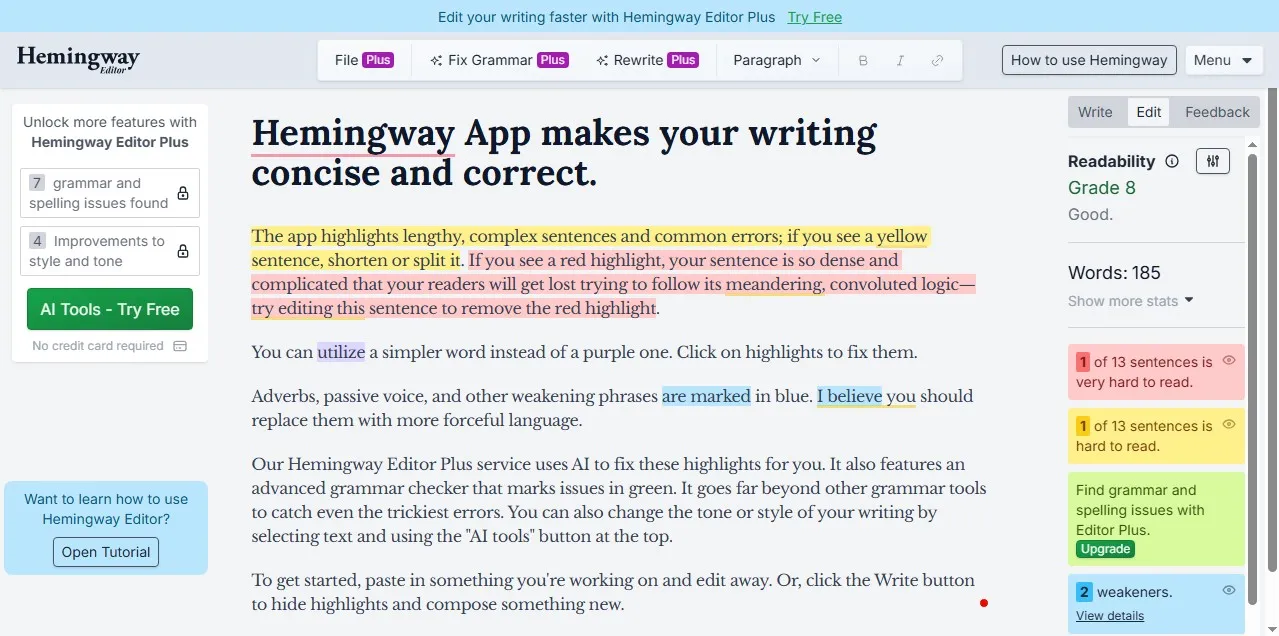
This one doesn’t care about your feelings.
Hemingway is very blunt, and even brutal.
Hemingway highlights:
-
Long sentences
-
Complex words
-
Passive voice
-
Adverbs (it hates them)
My Own Experience
I once pasted a blog post into Hemingway and before I knew.
Everything turned red and yellow.
It looked like a warning sign.
At first, I thought:
“This tool is broken.”
Then I realized, nah. My writing was just too complicated.
Why Is Hemingway Powerful
It forces you to write clearly.
And clarity equals better engagement.
It’s that simple.
Hemingway Downsides
-
No deep grammar correction
-
Can oversimplify your writing
-
Not ideal for technical content
Hemingway Best For
Making your writing bold, clear, and easy to read.
4. QuillBot
This is Rewriter That Saves You When You’re Stuck
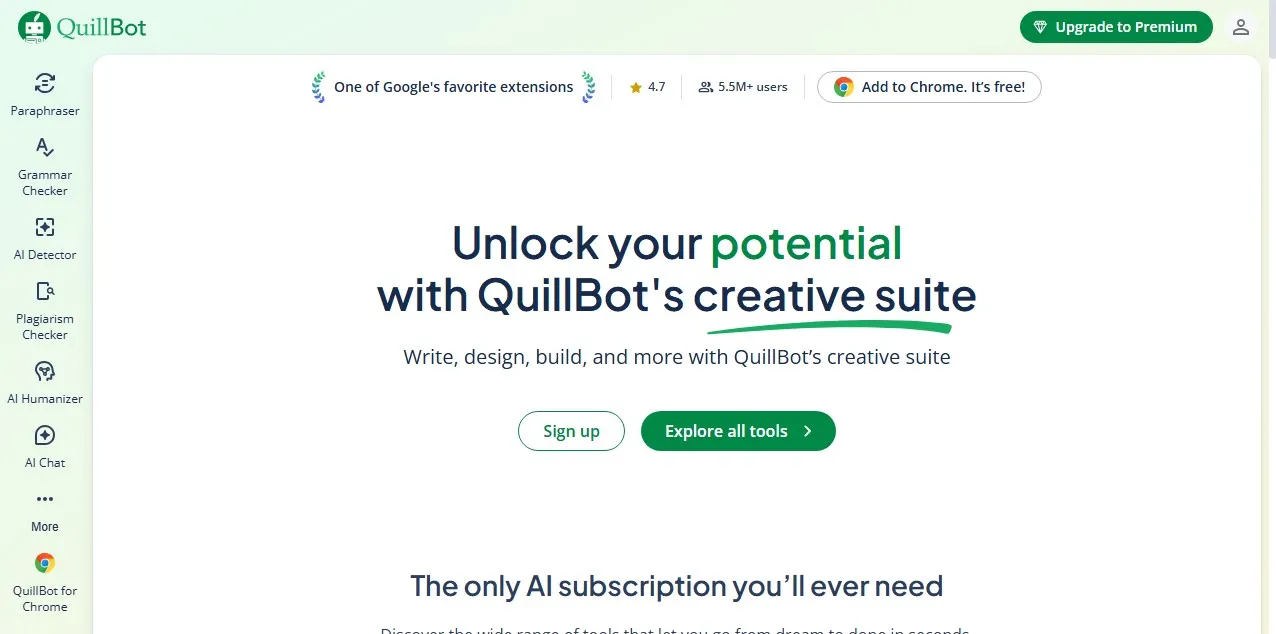
Sometimes when you write a sentence and it just doesn’t sound right.
You rewrite it 5 times and feels bad.
That’s where QuillBot comes in.
What QuillBot Does
-
Paraphrasing tool
-
Grammar checker
-
Sentence rewriter
-
Tone adjustment
Here Is A Real Example
I was writing a landing page once. This sentence kept bothering me:
“Our services help businesses achieve better results online.”
It was boring and it felt generic.
Then I ran it through QuillBot and got:
“We help businesses get real, measurable results online.”
It was more cleaner and better.
The Downsides of using QuillBot
-
Can sound robotic if you overuse it
-
Not a full grammar checker like Grammarly
-
Requires manual judgment from you
QuillBot Is Best For
Rewriting and improving awkward sentences.
5. LanguageTool
This Is The Underrated Multilingual Genius
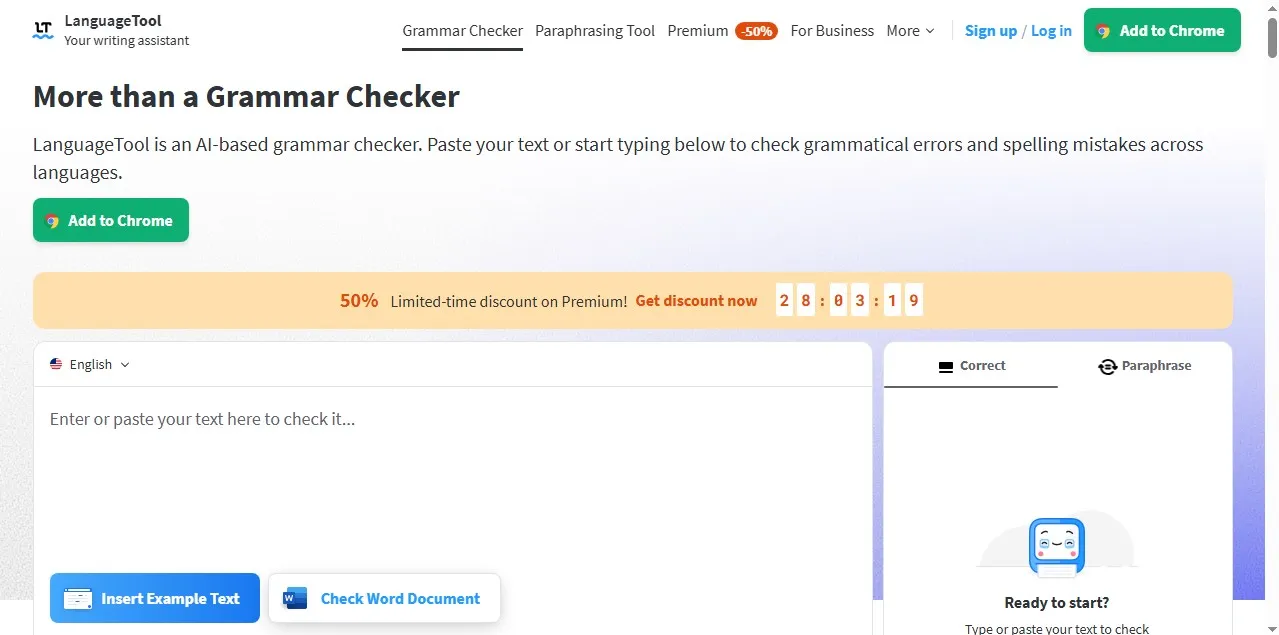
This tool doesn’t get enough attention.
But it’s solid. Especially if you write in multiple languages or want something much lighter.
What It Offers
-
Grammar and style checking
-
Supports 20+ languages
-
Browser extensions
-
Privacy-friendly options
My Take On Using LanguageTool
I tested LanguageTool on a niche website where I didn’t want heavy plugins slowing things down.
It performed surprisingly very well.
Not as flashy as Grammarly but it was reliable.
The Downsides of Using LanguageTool
-
Fewer advanced suggestions
-
Interface is simple (some may find it basic)
LanguageTool Is Best For
Writers who want a lightweight alternative.
Grammarly vs ProWritingAid (My Honest Opinion)
Alright, now let’s settle this.
If you’re choosing between these two:
-
Grammarly equals fast, simple, everyday use
-
ProWritingAid equals deep analysis, long-form improvement
I have personally been using both for years now.
Grammarly while writing.
ProWritingAid when editing content.
Yeah, you may think is overkill. Maybe you are right.
But the comb it works very well for me.
Mistakes I Made (So You Don’t Repeat Them)
1. Trusting the Tool 100%
That was a very big mistake .
Grammar checkers aren’t 100% perfect.
I once accepted a Grammarly suggestion that completely changed my sentence meaning.
Always read suggestions carefully before applying it.
2. Ignoring My Own Voice
At one point, my writing sounded weird.
It was too polished and too robotic.
That’s because I accepted every suggestion blindly, without carefully checking it.
But now? I break rules on purpose.
Like this sentence.
I make it short, with punchy. It’s not “perfect.” But it works.
3. Only Checking Grammar, Not Clarity
Grammar is just one piece to the puzzle.
If your writing is boring or confusing, no tool can fully fix that for you.
You still need to think like a reader to be enable to fix it properly.
Which Grammar Checker Should You Use?
Let me simplify it.
-
Beginner? use Grammarly
-
Serious blogger/writer? use ProWritingAid
-
Clarity-focused writing? use Hemingway Editor
-
Need rewriting help? use QuillBot
-
Lightweight option? use LanguageTool
You don’t need all of them, trust me on that.
Just start with one. Then you can add more if needed.
My Final Thoughts (From Someone Who Learned the Hard Way)
Here’s the truth nobody tells you:
Good grammar won’t make you a great writer.
But bad grammar will absolutely make people ignore you and your content.
I learned that the hard way. With my rejected guest post?
Yeah I told myself. Never again, will I experience that.
Grammar checkers can’t replace your brain. But they’ll catch somethings you missed. And trust me, you will miss lot of things.
Even now, after 10 years, I still run my posts through at least one tool before publishing it.
Not because I don’t trust myself..
But because I have made enough mistakes to know better.
Internal Links You Should Read Next
If you want to level up your blogging game, check these out:
They’ll help you build a blog that not only reads well but actually makes you money.
Now Your Turn
Which grammar checker are you using right now?
Or are you still writing without one (am not judging, I did that too)?
Drop your questions in the comments section. I will be happy to help you choose the right tool based on your goals. Thank you for reading and see you on the next one