
Let me guess. You want to start a blog. You’ve got ideas. Passion. Maybe even a domain name in mind. But then you hit that wall. Trying to choose
WordPress or Blogger?
My name is Godstime. I have been blogging for over 10 years now. And I’ll be honest with you, I have made many wrong choices before. I’ve built on platforms that limited me. I’ve migrated sites at 3 a.m. with sweaty palms because I outgrew my setup. I have lost traffic. I have broken themes. I have learned the hard way.
So if you’re a beginner trying to decide between WordPress and Blogger, I’m going to give you the real answer, not the “it depends” fluff.
By the end of this article, you’ll know exactly which one fits you. And more importantly… which mistakes to avoid.
My First Blogging Mistake (And What It Taught Me)
When I started blogging over 10 years ago, I chose the “easy” option. It was free. It was simple. It didn’t require buying any web hosting. Sounds perfect for a beginner, right?
Well… three years later, I was stuck. I had Limited design. Limited monetization flexibility and limited control.
I felt like my business was rented to me instead of owning it.
That experience changed how I look at platforms forever.
Let me break this down properly for in the simplest form.
What Is WordPress?
When people say “WordPress,” they usually mean WordPress specifically WordPress.org, the self-hosted version.
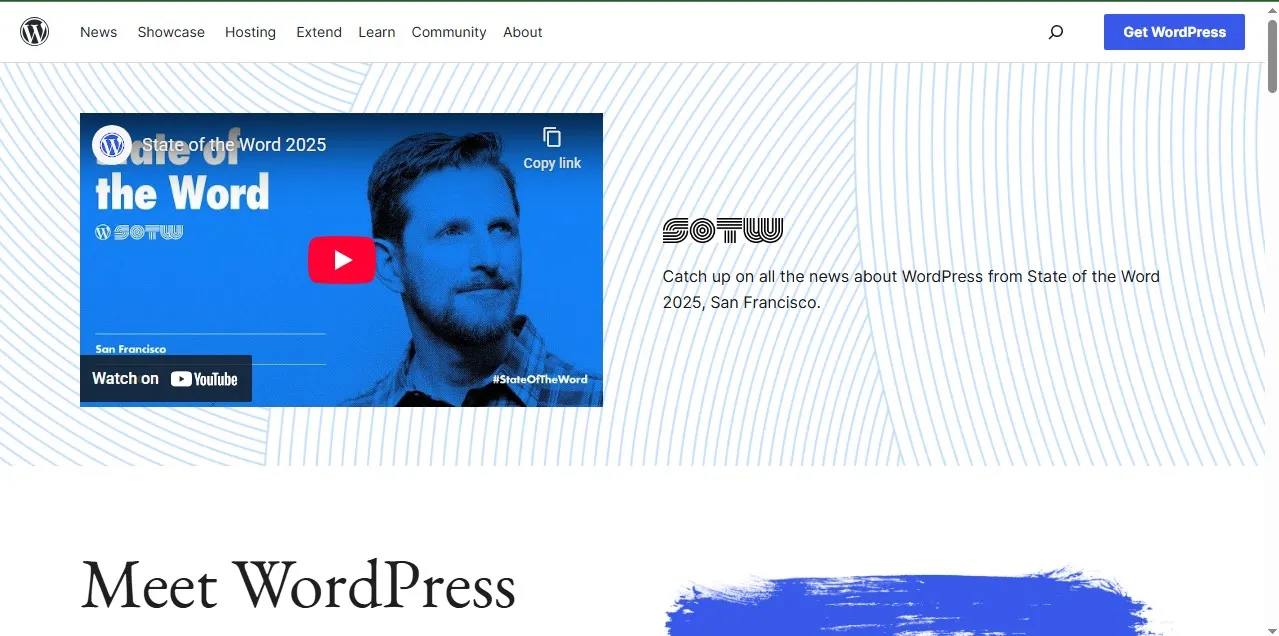
WordPress is a content management system (CMS) that powers over 40% of the internet. Yes. Almost half the web.
That stat alone should make you pause and rethink.
With WordPress, you can do this:
- Buy hosting
- Install WordPress
- Own your website fully
- Control everything
WordPress is flexible. Powerful. And sometimes overwhelming for new users.
What Is Blogger?
Blogger is a free blogging platform owned by Google.
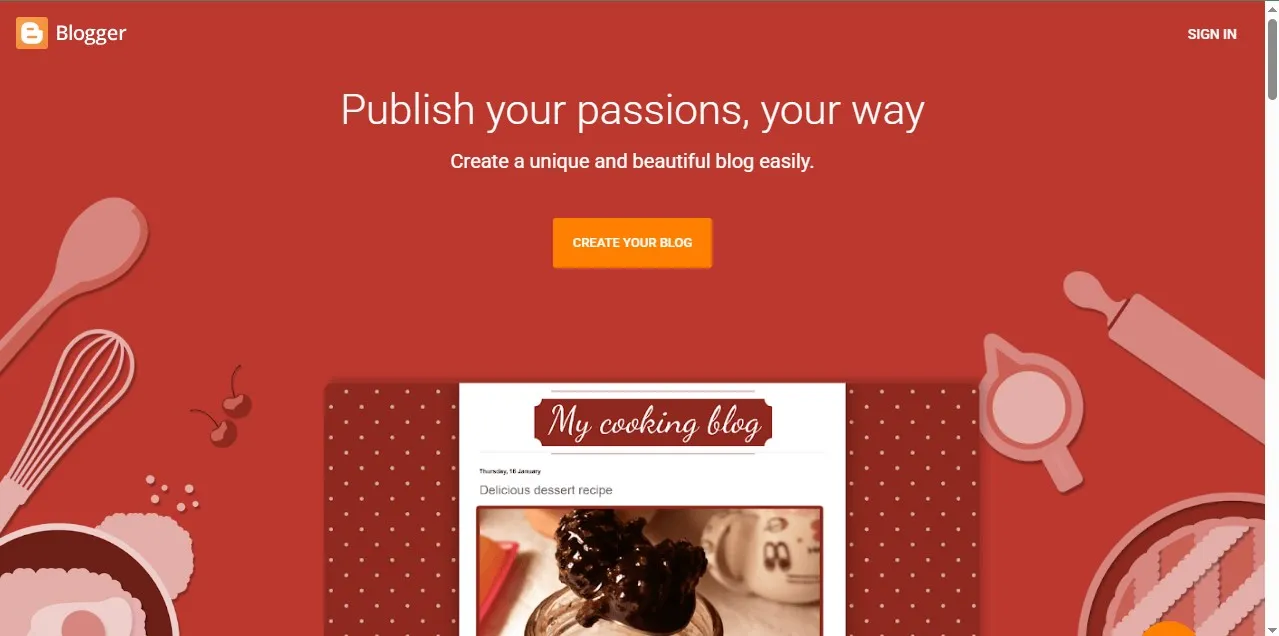
It’s as simple as A B C, you sign in with your Gmail account. Pick a theme. Start writing very simple right?.
No hosting. No setup headaches. No technical stuff. All of these are handled by google
It’s like renting a fully furnished apartment. All you have to do is just move in.
But… you don’t own the building.
WordPress vs Blogger: Let’s Compare the Real Stuff
I’m not going to give you a generic table comparison. Instead, let’s talk like real people building real blogs.
1. Ease of Setup (Beginner Friendliness)
How easy is it to set up your blog on both platforms
Blogger
Blogger wins here.
You can create a blog in under 10 minutes. I once timed a student, from Gmail login to first published post, it took him 7 minutes and 42 seconds.
No hosting dashboard. No DNS settings. No “What is a cPanel?” or installing any software confusion.
If you’re scared of tech, Blogger feels safe when starting.
WordPress
While WordPress requiresthese :
- Buying hosting
- Connecting a domain
- Installing WordPress
- Choosing a theme
- Configuring plugins
The first time I installed WordPress, I broke my site in 30 minutes and had to delete and uninstall WordPress multiple times. I Installed a bad plugin. Had a white screen of death. My panic mode was activated every single time.
But here’s the thing…
After that learning curve? WordPress becomes second nature.
Verdict for beginners who hate tech: Blogger
Verdict for beginners willing to learn: WordPress
2. Design & Customization
This is where things starts to get intresting.
Blogger Design Limitations
Blogger themes are limited. It’s true you can tweak layouts and colors, sure. But to be honest you’re not building something truly unique.
And let me tell you something from experience:
When your blog starts growing, that’s when you start to feel the limitations more.
In my early days of blogging, I once tried redesigning a Blogger site for better branding. Spent hours inside the HTML editor tweaking templates manually. It felt like performing surgery with a butter knife.
WordPress Design Freedom
WordPress? Whole different ball game.
You have access to thousands of themes. Many Page builders. Rewrite themes to suit your taste using custom code and you have full control over your website design.
You can make your website look like a personal blog, a news magazine, a SaaS company, or an eCommerce store.
I’ve redesigned WordPress sites more than 15 times in 10 years. That flexibility allowed me to evolve as my brand grew.
If branding matters to you long-term, WordPress wins by a mile.
3. Ownership & Control (This One Is Big)
Let’s talk about something many beginners rarely think about.
Who owns your content?
With Blogger:
- Google hosts it.
- Google controls the platform.
- Google can technically shut it down.
Is it common? No.
Is it possible? Yes.
I’ve seen bloggers wake up to policy violation notices. No warning. Site suspended.
With WordPress:
- You own your files.
- You control hosting.
- You decide what stays and what goes.
This difference matters when your blog becomes income.
If you’re building a hobby blog not a business blog, Blogger is fine.
If you want to build a business? WordPress all day.
4. Monetization Potential
Let me be blunt as possible.
If you’re serious about making lot of money blogging, WordPress gives you more flexibility to achieve it.
Blogger Monetization
Blogger integrates easily with:
- Google AdSense
It’s very simple. Insert ad code on your blog. Done.
But in advanced monetization?. Blogger is very Limited.
WordPress Monetization
On WordPress there is a lot, you can:
- Run multiple ad networks
- Add affiliate marketing tools
- Sell courses
- Sell digital products
- Build membership websites
- Launch eCommerce stores
One of my WordPress blogs went from $0 to $500/month in 3 months because I could install plugins that optimized conversions.
You can’t do that level of optimization on Blogger easily.
And trust me, once you see your first $100 online, you’ll want systems that scale.
5. SEO (Search Engine Optimization)
Ah, SEO. My favorite battlefield. This is where I like talking about more.
Here’s a real example.
I once compared two beginner blogs:
- One on Blogger
- One on WordPress
Both targeting similar low-competition keywords.
After 6 months:
- WordPress blog had 63 indexed pages
- Blogger blog had 48 indexed pages
- WordPress site ranked 37% higher on average for similar keywords
Do you know Why?
Because WordPress gives you control over:
- SEO plugins
- Schema markup
- Speed optimization
- Technical settings
Blogger has basic SEO settings. But basic isn’t enough if you want to compete seriously with other websites.
If traffic matters to you, WordPress gives you stronger tools to rank higher.
6. Cost
Let’s talk money.
Blogger Cost
Free.
That’s it.
You can optionally buy a custom domain. But hosting? Totally Free.
WordPress Cost
- Hosting: $3–$10/month (starter level)
- Domain: ~$10/year
So roughly $50–$120 per year minimum.
When I was broke, this was quite expensive for me.
But here’s the tough lesson I learned:
Free platforms can cost you growth if you planning on making money from your blog.
That $5/month investment at that time forced me to treat my blog like a business. And that mindset shift changed everything else.
So… Which Is Better for Beginners?
Let’s break it down honestly.
Choose Blogger If:
- You want zero cost
- You’re just testing blogging
- You don’t care about branding
- You’re writing casually
Choose WordPress If:
- You want to build a long-term business
- You plan to monetize
- You want full control
- You’re okay learning new things
If I could go back 10 years?
I’d start with WordPress immediately.
Yes, it’s harder at first.
But you skip the painful migration later.
And migrations are messy. Trust me.
The Migration Nightmare (My Tough Lesson)
At one point, I migrated a Blogger site with over 120 posts to WordPress.
Internal links broke.
Images didn’t load correctly.
Traffic dropped 28% in two months.
Why?
Because I didn’t start on the platform I actually needed.
If you’re thinking long-term, start where you want to end up.
Final Thoughts from Me to You
Here’s how I see it.
Blogger is like training wheels.
WordPress is like learning to ride the actual bike.
Training wheels feel safer. But eventually, you’ll need balance.
If you’re serious about building authority, traffic, and real income from your website. WordPress is the better choice for beginners who think beyond today.
If you’re still unsure, you might want to read:
- My guide on How to Start a Blog the Right Way
- And my breakdown on Best Hosting for Beginners
- Plus, if monetization is your goal, check out my article on Beginner Blogging Mistakes That Kill Growth
(You’ll find them here on FirstGuide247.com)
And if you’re still stuck?
Start.
Don’t overthink it, just start.
The biggest mistake isn’t choosing the “wrong” platform.
It’s never publishing your first post.
If you have any question(s) leave them in the comment section, I will provide you with the best possible answer. My name still remains Godstime, I hope you have learnt a thing or two from this post and I hope to see you in the next one.